
How do you become a Pond5 contributor and sell stock video in 2026?
Pond5 for video contributors: ID check, specs, FTP and its separate password, the 80-character name trap, Apply CSV, Returned vs Rejected, and payouts.

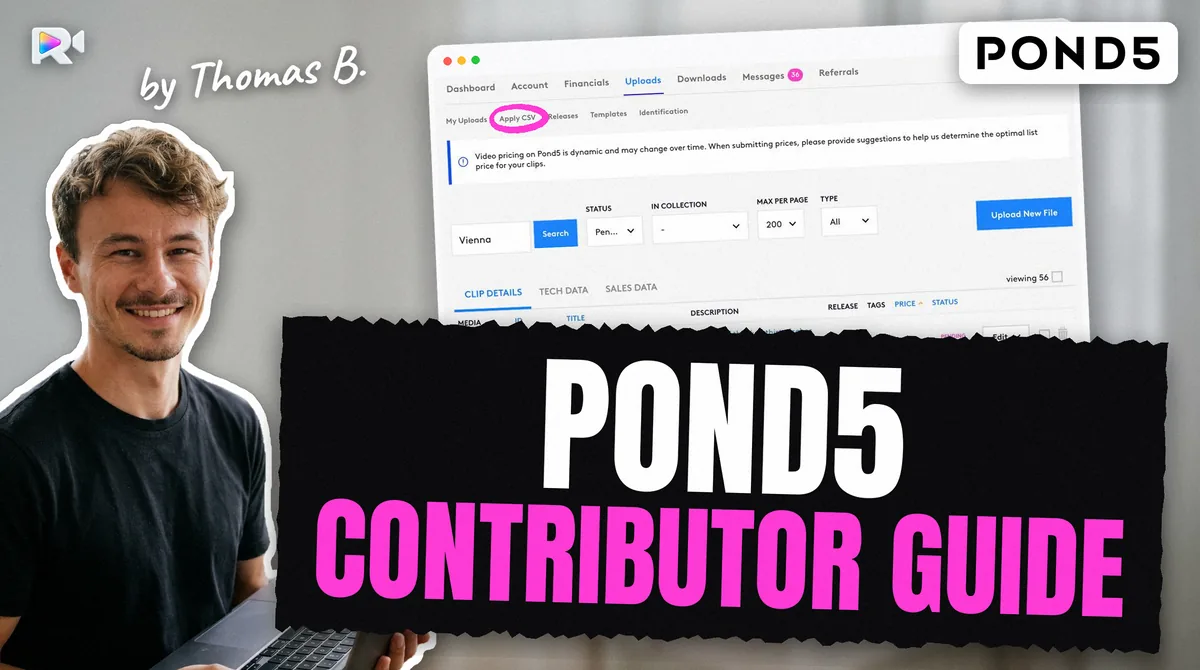
This guide covers the whole path for a video contributor on Pond5 in 2026: how Pond5 works, the ID check, the specs, FTP and its traps, Apply CSV, review statuses, and how the money and the tax work. Each fact gives its source and the date it was checked. A value marked measured was read on a live contributor account, not on a help page. Where two Pond5 pages disagree, both are shown.
At a glance: Pond5 for video contributors
Checked on 28 October 2026, unless the row says otherwise.
| Topic | Pond5, for video | Source |
|---|---|---|
| ID check | Government photo ID with a valid expiry date; nothing is submitted before it is verified | Help 10086168, 2026-03-12 |
| File types | MOV, MP4; MJPEG, AVI and "non-native MP4" refused | Footage page, undated |
| Length | 5 to 60 seconds | Footage page, undated |
| File size | 3 GB (HD, vertical), 5 GB (4K to 6K), 6 GB (8K, R3D); under 5 GB by FTP | Footage page; FTP banner measured |
| Frame rates | 23.98, 24, 25, 29.97, 30, 47.95, 47.96, 48, 50, 59.94, 60 | Footage page, undated |
| Upload | Browser, or FTP with a separate FTP password | FTP help, 2024-11-05 |
| Embedded metadata | Title, description and keywords read measured | Live account, 2026-09-11 |
| Bulk metadata | Apply CSV, matched on a file name cut to 80 characters measured | Live account, 2026-09-19 |
| Title / description | 80 / 500 characters | Tagging and pricing page |
| Keywords | Up to 50 on the edit form measured; minimum 5 or 7; 10 to 20 advised on the newest page | Tagging and pricing page |
| Royalty | 30% non-exclusive, 40% exclusive, on net revenue; datasets 20% | Payout overview, read 2026-10-28 |
| Payout | PayPal, Skrill or Payoneer; $25 before the 15th, paid on the 15th | Payout overview |
| US tax | None withheld for non-US contributors; no W-8BEN | Help 10086190, 2026-01-22 |
How does Pond5 work for contributors?
Pond5 is a stock media marketplace that belongs to Shutterstock. As a contributor, you go through five steps:
- Open an account at contributor.pond5.com and verify your ID.
- Upload clips in the browser or over FTP. Pond5 processes each file.
- Describe each clip: title, description, keywords, country, releases. You can do it on the edit page or in bulk with Apply CSV.
- Press Submit. A processed clip waits in Needs Edits until you do. Uploading is not submitting.
- Pond5's curators review the clip. Once Online, it sells, and you earn a share of each licence.
On the side, Pond5 also puts clips and their metadata into datasets it licenses for AI training, and pays a separate share for them (see dataset earnings).
How does Pond5 verify your ID?
Pond5 asks for a government photo ID with a valid expiration date: a passport, driving licence or ID card. It must show your name, photo, date of birth, issue date and expiry date, as a JPG or PNG of 2 MB at most, in the name on your account. You cannot submit any file until it is verified (Uploading your ID, 2026-03-12).
Pond5 also runs an artist verification: the ID plus a professional web presence, such as a portfolio, a YouTube channel or LinkedIn (artist verification, 2026-03-21).
Two practical points:
- An ID without an expiry date. Some national ID cards have none. Pond5's text requires a valid expiration date; we found no report of how it treats a card without one. Use a passport if you have it.
- Needs Edits can mean your ID. Pond5's status page (2026-04-13) says a clip in Needs Edits may be waiting on your metadata, or on your ID not yet being verified.
What are Pond5's requirements for video?
A clip must be a MOV or MP4 file, 5 to 60 seconds long, under the size cap for its resolution, at an accepted frame rate, and should carry no audio unless it is part of the shot. Those rules come from Pond5's footage page, which shows no date.
| Rule | What Pond5 accepts | Note |
|---|---|---|
| Container | MOV, MP4 | Convert AVI first |
| Codec | Camera-native formats (R3D, AVCHD, XDCAM, MXF…), ProRes (RAW, 422, LT, HQ, 4444), DNxHD/HR, H.264, H.265, PhotoJPEG | Refused: Motion JPEG, AVI, "non-native MP4" |
| Length | 5 to 60 s | 360° VR: 45 to 119 s |
| Size | HD and vertical 3 GB; 4K to 6K 5 GB; 8K and R3D 6 GB | FTP banner: under 5 GB measured |
| Frame rate | 23.98, 24, 25, 29.97, 30, 47.95, 47.96, 48, 50, 59.94, 60 | 48 fps is fine, unlike Adobe |
| Resolution | "Generally" any; recommended from 640×480 to 8192×4320 | |
| Audio | Removal preferred | In-camera microphone sound "most likely" refused |
| Thumbnail | Chosen from frames Pond5 offers on the edit page; not by CSV measured | 2026-09-21 and 2026-09-25 |
Contradiction: "non-native MP4". The footage page refuses "non-native MP4" and never defines it. On a live account, an HEVC 4K MP4 exported from an editor was processed without complaint (2026-09-11) measured. Pond5 does not say which MP4s it considers native.
Contradiction: 8K by FTP. The footage page allows 6 GB for 8K and R3D. The FTP server's banner says "All files must be under 5GB. Larger files will not be processed." measured. A 5 to 6 GB file may go through the browser and not through FTP; we have not tested it.
How do you upload to Pond5 by FTP?
Pond5 offers the browser uploader and FTP at ftp.pond5.com. For a batch of 4K clips, FTP is the practical route, with three traps.
Settings, from Pond5's FTP help (2024-11-05) and a live account (2026-09-11) measured:
- host
ftp.pond5.com; leave the port empty, or use 21; - a separate FTP password: set it under Account, then FTP, at least 8 characters and different from your site password. Your site password will not work;
- explicit TLS (
AUTH TLS) works with a valid certificate, although the help only describes plain FTP measured; use it so the password does not travel in clear; - files go flat in the root, next to one folder named
release, where releases go.
Trap 1: the banner's character list. At connection, the server says file names may contain only letters, digits, spaces, commas, hyphens, periods, @ signs and underscores measured. Parentheses, apostrophes and accented letters are out.
Contradiction: spaces and dashes. Pond5's footage page says "Spaces and dashes are not allowed" in file names. The FTP banner allows both, and names with spaces and commas were accepted on a live account measured. Underscores satisfy both.
Trap 2: the file vanishes on purpose. About 2 seconds after the server answers 226 Transfer complete, the file leaves the root for processing, and a size check returns 550. That is not an error: the proof of delivery is the 226 plus a byte count equal to your local file. The clip showed in My Uploads 23 seconds later and finished processing in under 4 minutes (2026-09-11) measured. Processing is a queue: on one lot, 6 of 32 clips were done after 15 minutes (2026-09-17); on another, 16 of 18 after one minute (2026-09-20) measured.
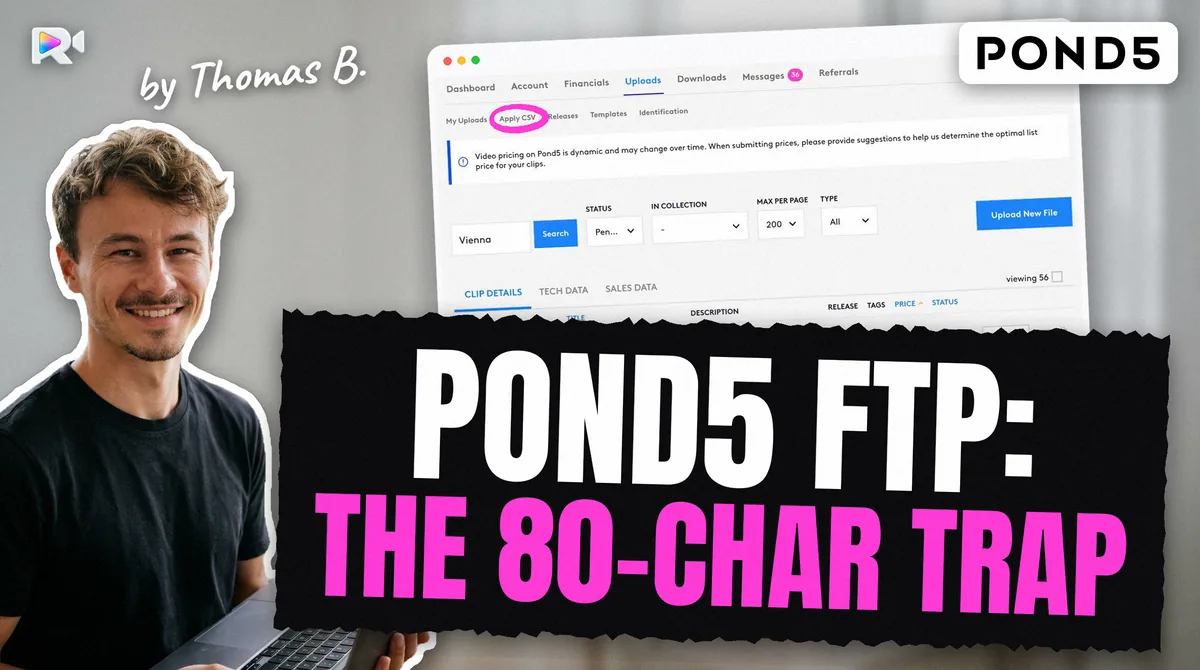
Trap 3: the 80-character file name. Pond5 keeps only the first 80 characters of a file name. A longer name uploads fine, then Apply CSV can never match it. Our article on the Pond5 FTP 80-character trap tells how a misread dry run turned that into 26 duplicate pairs on a live account. Keep the stem at 76 characters, so that with .mp4 the whole name fits. The sanitizer below does it in your browser.
Upload messages, decoded.
| Message | What it means | What to do |
|---|---|---|
| FTP login fails | Site password used instead of the FTP password | Set the FTP password under Account, then FTP |
550 on a size check after 226 | Not an error: the file left for processing | Trust the 226 and the byte count |
Processing Failed | Pond5's processing refused the file, with a reason | Read the reason; re-export, for example to H.264 MP4 |
| Clip stuck in Processing | It is in the queue | Wait; no CSV can reach it until processing ends |
| Red duplicate alert | Same or similar file sent twice, or a network delay on a successful upload | If the clip is listed, close the alert; never delete and resend |
| Dry run lists 0 files | A name longer than 80 characters, a clip still processing, or the status filter | Check the name Pond5 kept in your catalogue export |
How do you add metadata on Pond5: embedded XMP and Apply CSV
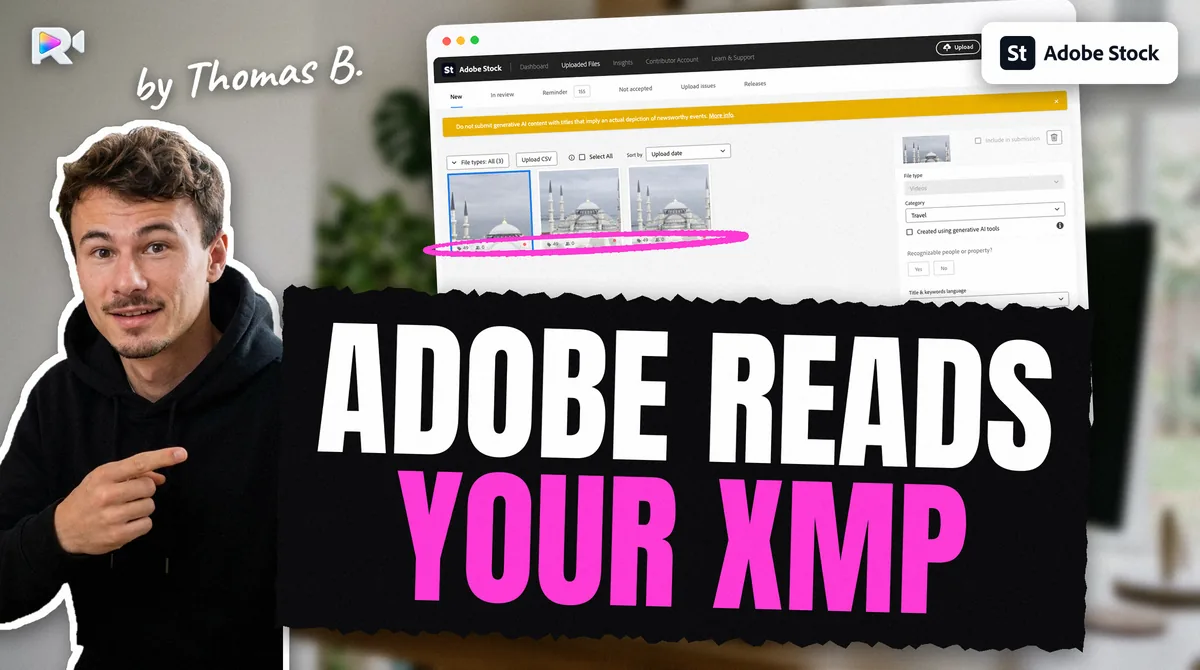
Pond5 reads the metadata embedded in the file. On a live account, a clip carrying an XMP title, description and 49 keywords came through with all of them, keywords in the order sent (2026-09-11) measured. Pond5 does not document this. Adobe Stock reads embedded XMP too; Shutterstock and Getty do not.
Four fields did not come through and took Pond5's defaults measured: the country ("Not Relevant"), the date created (the file's creation time, the export date, not the shoot), the price mode (the account default) and includes audio ("Yes", on a clip with no audio track). Those need Apply CSV.
Apply CSV is the bulk form for your added files. Its columns are listed on Pond5's tagging and pricing page (undated): OriginalFilename (required), Title (required, 80 characters), Description (500), Keywords (required), City, Region, Country, Specifysource, Modelreleased, Propertyreleased, Release, Copyright, Price, Editorial. Column names are not case-sensitive.
What we measured on the form (September 2026) measured:
- a dry-run option, "Only list files found", that changes nothing: run it first;
- a status filter, set by default to Needs Edits;
- a default date format of
mm/dd/yy; - a CSV file of 5 MB at most;
- one key per file, either
clipidororiginalfilename, never both; - a keyword cell replaces the list, it does not add to it, so send the full list;
- three columns the help does not list are applied:
datecreated,containsaudio,setpriceforme; - a clip still processing is out of reach.
Contradiction: how many keywords. Pond5's newest guidance advises 10 to 20 keywords, older pages say 40 to 50, and the CSV section of the same page says 10 to 50. The same page gives two minimums, 5 and 7. The edit form says "Tag up to 50 keywords" measured. Ten to twenty good keywords satisfies every page.
Editorial. Pond5 takes editorial video. The description starts with a dateline in Pond5's own order, CITY, COUNTRY (STATE) – YEAR/MONTH/DAY: (legal guidelines, undated), and the place and date must come from your own records. For commercial use, no brand or logo may show, and many buildings need a property release.
This is where Pond5 eats a day. The embedded keywords arrive, so the clip looks done, but four fields are wrong until a CSV fixes them; the CSV can only reach clips that finished processing, under a name Pond5 may have cut; and a dry run that finds nothing tempts you to upload again, which creates duplicates.
What is the difference between Returned and Rejected on Pond5?
Returned means fix and resubmit: Pond5's status page (2026-04-13) gives insufficient keywords, titles that do not describe the clip and missing releases as the usual reasons. Rejected is a refusal for quality, legal or technical reasons, given with a message and an email.
| Status | What it means | What you do |
|---|---|---|
| Processing | Pond5 is still processing the file | Wait |
| Needs Edits | Metadata incomplete, or your ID not yet verified | Complete it, check your ID, press Submit |
| In review | With the curators | Wait; Pond5 says review times vary week to week |
| Returned | Keywords, title or releases need work | Fix on the clip's edit page, then submit again |
| Rejected | Refused, with a reason | Read the reason before doing anything |
| Online | Accepted; Pond5 says indexing takes about 72 hours | Nothing |
Contradiction: resubmitting a rejected clip. Pond5's contributor FAQ (undated) says "Resubmitting rejected content (or deleting and resubmitting pending content) will result in rejection." The status page (2026-04-13) says, for a Rejected clip, to submit files the same way as before. A forum thread (2024-06-16) reports a clip refused, deleted, its duplicate flag lifted by support, sent again as editorial and accepted. The safe reading: never delete and resend a pending clip; fix a Returned clip in place; resend a Rejected clip only when you changed what was refused, and ask support first.
A clip "eligible for editorial use". Contributors quote a Pond5 notice saying a clip "cannot be accepted for commercial use but it is eligible for editorial use". The fix is to set it as editorial with a dateline, not to upload it again.
How do you make money on Pond5?
You earn from two sources: licences sold on the marketplace, and datasets sold for AI training. Pond5's payout overview (© 2026, read 2026-10-28) gives the rates.
- Marketplace licences: 30% non-exclusive, 40% exclusive, of the net revenue: the price plus any licence extension, minus guarantee fees and discounts.
- Datasets: 20% of the revenue per item licensed (Contributor Agreement, in force 2025-01-15).
Pond5 publishes no average per clip. What you control is how many good clips are online, how well each is described, and whether you go exclusive. Exclusive content earns 40% instead of 30%, but cannot be sold elsewhere. Datasets also carry your metadata: Pond5 sells the keywords, titles and descriptions along with the clips.
Contradiction: who sets the price. The payout overview speaks of a price set by the contributor, the CSV has a Price column, and the form also applies setpriceforme, which lets Pond5 price the clip measured. In a 2025 forum thread, contributors complain that contributor-set prices ended along with a royalty cut. We found no Pond5 page that settles it.
What are Pond5 dataset earnings?
Pond5 builds themed datasets of videos and their metadata (keywords, titles, descriptions) and licenses them for computer vision and language models. You get 20% of the revenue per item licensed. Prices are lower than on the marketplace, because the rights are narrow. Payments come when royalties are available, not on a monthly or quarterly schedule, as a "Dataset Earnings" line under Financials, then License, and Pond5 emails you when a period reaches $25 or more (payout overview).
Amounts reported on Pond5's own forum thread, from 2023 to 2025, range from $0.17 to a few hundred dollars per payment, with no published formula.
Opting out. Since April 2023 you can opt out of future datasets in your account preferences. Dataset earnings can still arrive for deals signed before you opted out.
How do you get paid by Pond5, and is US tax withheld?
Pond5 pays by PayPal, Skrill or Payoneer once your balance reaches $25 before the 15th, and pays on the 15th. Skrill keeps 4% of each payment (payout overview).
No US withholding outside the US. Pond5's tax help (2026-01-22) says Pond5 withholds no US tax for non-US residents, and that "submitting or updating W-8BEN forms is not supported". You declare the income yourself where you live. That is the main difference with Adobe Stock and Shutterstock, which require an approved tax form and withhold up to 30%, and with Getty, which requires a tax interview before it pays.
Sanctions. No payment method works for Russia or Belarus, and payments to Iran are at risk (sanctions help, 2026-04-16).
Getting paid from your country: Bangladesh, Pakistan, India, Indonesia, Thailand
Indonesia, India and Bangladesh send the most searches for "pond5 contributor". Because Pond5 withholds nothing, the only question is which payment service works.
| Country | Payment services that work | US tax withheld by Pond5 |
|---|---|---|
| Bangladesh | Payoneer; PayPal cannot receive | 0% |
| Pakistan | Payoneer; no PayPal | 0% |
| India | PayPal (with a purpose code), Payoneer | 0% |
| Indonesia | PayPal, Payoneer | 0% |
| Thailand | PayPal | 0% |
Payment availability crosses Pond5's three providers with each provider's coverage, from search extracts and the press; no PayPal page was opened. Skrill no longer accepts new sign-ups from India (Skrill, search extract); its coverage in the other four countries was not checked.
A worked difference. For a contributor in a country with no US tax treaty, such as Nigeria, the same $100 royalty on a US sale arrives whole from Pond5 and as $70 from an agency that withholds the default 30%, before any payment fee.
Payoneer's fee. Payoneer charges $29.95 a year when an account receives less than $6,000 over 12 months (pricing, updated 2026-01-01). Near the $25 minimum, that fee matters.
This guide covers US withholding only, not the tax you may owe at home.
Check before you upload
- Your ID is verified: a photo ID with a valid expiry date, JPG or PNG under 2 MB.
- The clip is a MOV or MP4 file, 5 to 60 seconds long, under 3 GB for HD or vertical, under 5 GB for 4K.
- Not Motion JPEG or AVI; HEVC or 10-bit masters exported to H.264 when in doubt.
- No in-camera microphone sound unless it is part of the shot.
- The file name uses letters, digits and underscores, and the stem is 76 characters or fewer.
- You use the separate FTP password, over TLS.
- You trust the
226and the byte count, and wait for the clip in My Uploads. - Title under 80 characters, description under 500, 10 to 20 good keywords, in English.
- Apply CSV runs a dry run first, after processing ends, with the full keyword list and the country, date and audio flag.
- Before uploading anything again, you read your catalogue export for the name Pond5 kept.
- You pressed Submit yourself on each clip that is ready.
Frequently asked questions
You open a contributor account, verify your ID, upload clips by browser or FTP, add title, description and keywords, and press Submit. Pond5's curators review each clip. Accepted clips go online and you earn a share of each licence: 30% non-exclusive, 40% exclusive, on net revenue.
From licences sold on the marketplace, at 30% or 40% of net revenue, and from datasets sold for AI training, at 20%. Pond5 publishes no average per clip. What you control is how many clips are online, how well they are described, and whether they are exclusive.
No. You set a separate FTP password of at least 8 characters under Account, then FTP, and it must differ from your site password. The FTP user name is shown on the same page.
Returned means the clip needs fixing, usually keywords, a title that does not describe it, or a missing release: fix it and submit again. Rejected is a refusal for quality, legal or technical reasons, given with a message and an email.
Pond5's help gives two meanings: the metadata is incomplete, or your ID is not yet verified. Complete the title, keywords and price, check your ID status, then press Submit.
Not for non-US residents. Pond5's help (2026-01-22) says no US tax is withheld and that submitting or updating a W-8BEN form is not supported. You declare the income yourself at home. US residents give a W-9.
Pond5 licenses themed datasets of videos and their metadata for computer vision and language models, and pays 20% of the revenue per item licensed. Payments arrive when royalties are available, not monthly. You can opt out of future datasets in your account preferences.
Yes. On a live account, Pond5 read the XMP title, description and keywords of a clip, in order (2026-09-11). It did not read the country, the shoot date, the price or the audio flag: those need Apply CSV.
Yes, if they are non-exclusive on Pond5, at the 30% rate. Exclusive content earns 40% on Pond5. Pond5 belongs to Shutterstock, but sells its own catalogue under its own terms.
Keep reading
Sources
- Pond5, Uploading your ID (help 10086168, 2026-03-12)
- Pond5, Artist account verification (help 12141167, 2026-03-21)
- Pond5, How to prepare your footage (undated)
- Pond5, Tagging and pricing, CSV columns (undated)
- Pond5, Legal guidelines (undated)
- Pond5, Using the FTP uploader (help 10086192, 2024-11-05)
- Pond5, Upload file statuses (help 12701556, 2026-04-13)
- Pond5, Duplicate file upload warnings (help 12384143, 2026-03-19)
- Pond5, Contributor FAQ (undated)
- Pond5, Payout overview (© 2026, read 2026-10-28)
- Pond5, Do I need to submit my tax information? (help 10086190, 2026-01-22)
- Pond5, Sanctions and Pond5 payments (help 10086166, 2026-04-16)
- Pond5, Contributor Agreement (in force 2025-01-15)
- Pond5 forum, Dataset earnings thread (2023-04-12 to 2025-12-16)
- Pond5 forum, Restore Trust – Bring Back Fairness to Pond5 (2025-04-08 to 2025-07-07)
- Pond5 forum, Clip refused, deleted, duplicate lifted, resubmitted as editorial (2024-06-16)
- Payoneer, Pricing (updated 2026-01-01)
- Measured on a live Pond5 account: FTP, XMP and timings 2026-09-11; Apply CSV 2026-09-11 and 09-16; catalogue export 2026-09-11 to 09-21; thumbnails 2026-09-21 and 09-25