
Adobe Stock vs Shutterstock: which is better for selling stock video?
Adobe Stock vs Shutterstock for video contributors: upload, metadata, editorial, specs, review, royalties and payouts, compared in October 2026.

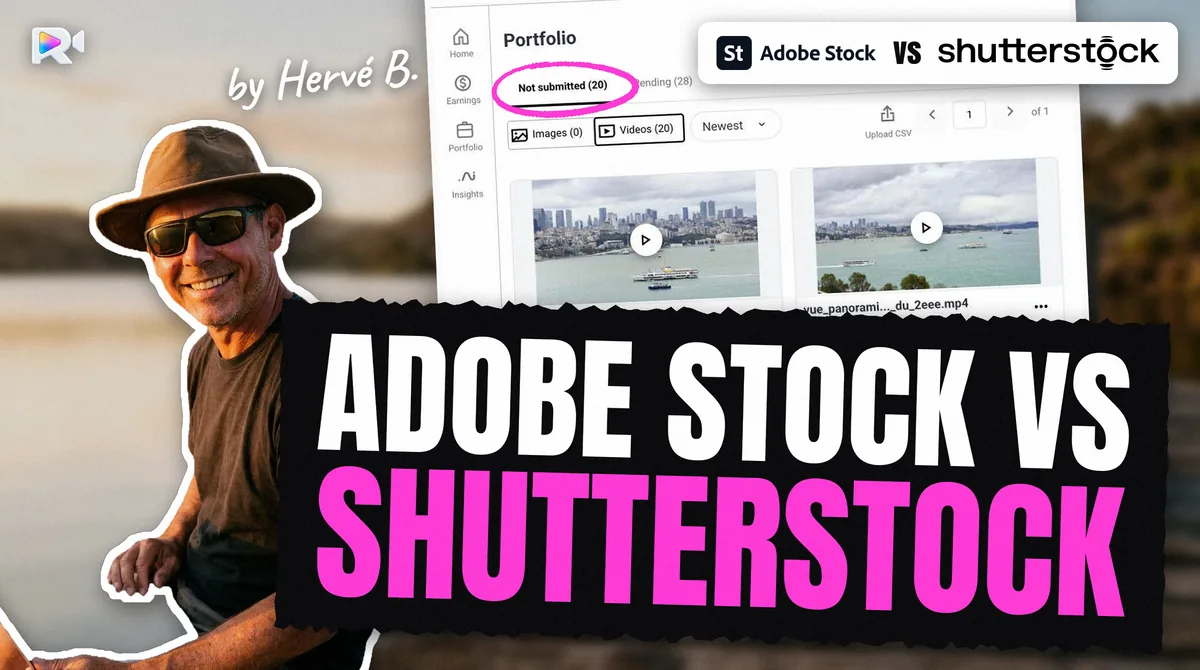
For a video contributor, Adobe Stock pays a flat 35% on video and reads keywords written inside the file, but takes no editorial video and refuses 48 fps. Shutterstock pays 15% to 40% by level, accepts editorial video and 48 fps, and needs its metadata by CSV or web form. Both checked October 2026. Many contributors sell on both.
I am Hervé, an underwater videographer, and I sell the same clips on Adobe Stock, Shutterstock, Pond5 and Getty Images. Comparisons of these two agencies are usually written for buyers, or for photographers. This one is written from the video contributor's chair: how the clip gets there, what each agency wants written about it, and how the money comes back.
How do Adobe Stock and Shutterstock compare for video contributors?
Side by side, as read on each agency's own pages and measured on live accounts in September and October 2026:
| Adobe Stock | Shutterstock | |
|---|---|---|
| Upload | Browser for everyone; SFTP only for "qualified" accounts | FTPS or browser |
| Reads metadata embedded in the file | Yes measured | No measured |
| Metadata otherwise | Portal form | CSV import or portal form |
| Title | Up to 200 characters in the portal measured; Adobe advises under 70 | A description sentence; 200 characters in the CSV dialog measured |
| Keywords | Up to 49; the first 10 weigh most | 7 to 50 unique, stored alphabetically measured |
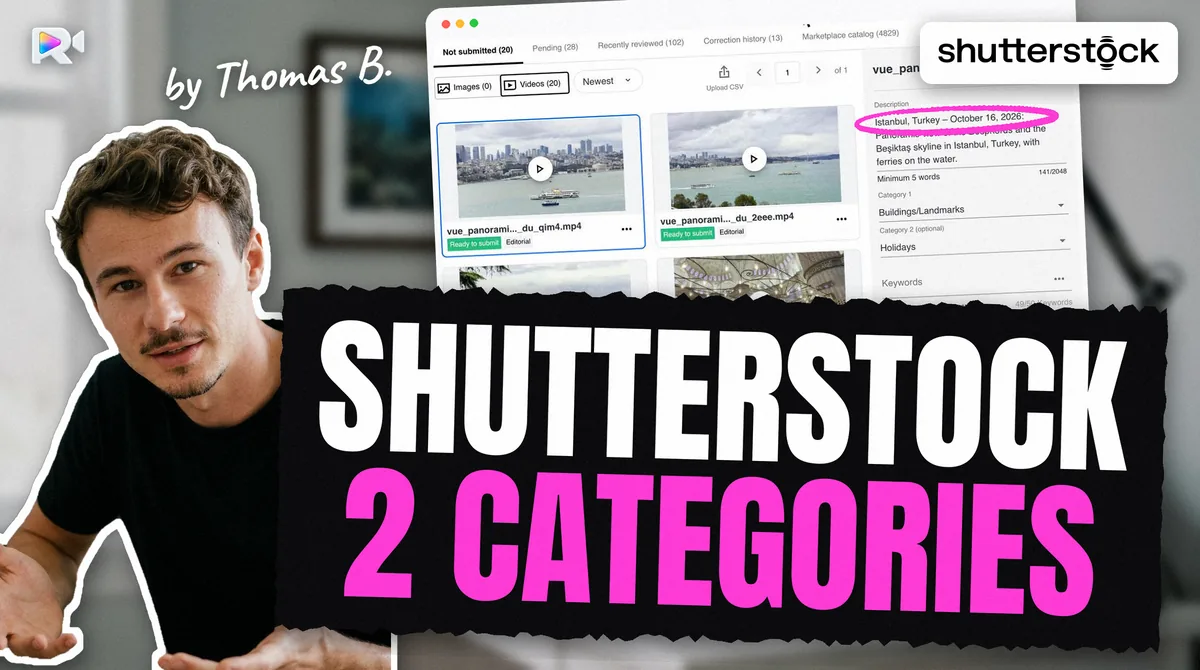
| Categories | Adobe assigned one itself on our account measured | Two, from 19 video categories; you choose them measured |
| Editorial video | Not accepted | Accepted, with a dateline |
| Clip length | 5 to 60 s | 5 s to 1 min |
| Frame rates | 8 values; not 48 | Help lists 9, including 48 |
| File size | 3.9 GB | 10 GB per the help centre |
| Audio | Not accepted | No audio unless it enhances the clip or is editorial; no copyrighted audio |
| Upload cap | Weekly cap, number not published | 100 video clips per rolling 7 days |
| Review time | No figure; portal banner "up to 8 weeks" measured | No figure published |
| Royalty on video | 35% | 15% to 40%, six levels, reset each 1 January |
| Payout | $25 minimum; PayPal, Payoneer or Skrill | You choose $25 to $2,000; PayPal, Skrill or Payoneer |
| Tax outside the US | W-8BEN; 30% withheld until validated | Approved tax form required; 30% on US licences, lowered by treaty |
| What Rushlot does | Writes title and keywords into the file and uploads it, by SFTP or the browser | Uploads by FTPS and applies the CSV: description, keywords, two categories |
Rushlot is the tool my son Thomas built, so I list its row here too. It uploads to your own accounts; you press Submit yourself. Each agency's details are on its own page here, Adobe Stock and Shutterstock, and the Adobe Stock contributor guide covers sign-up and tax in depth.
How does uploading differ?
Adobe reserves SFTP for "qualified" accounts (a forum expert says most no longer have it); Shutterstock gives everyone FTPS. Adobe's SFTP is reserved for accounts it calls "qualified", without published criteria; the portal's code carries the message SFTP is not enabled. for accounts without it (read 2026-10-02). Adobe's web uploader takes up to 3,900 MB per video. The Adobe Stock SFTP article covers who gets it.
On Shutterstock, FTPS is open to all. On a live account, a clip appeared in the portal about two seconds after the transfer (measured 2026-09-11), although the help centre allows up to 72 hours. Unsubmitted uploads are deleted after 21 days, so do not let them wait.
Why does the same clip need two different metadata sets?
Because the two agencies read different things, in different places, with different rules. This is the part that costs the most time, and the part most comparisons miss.
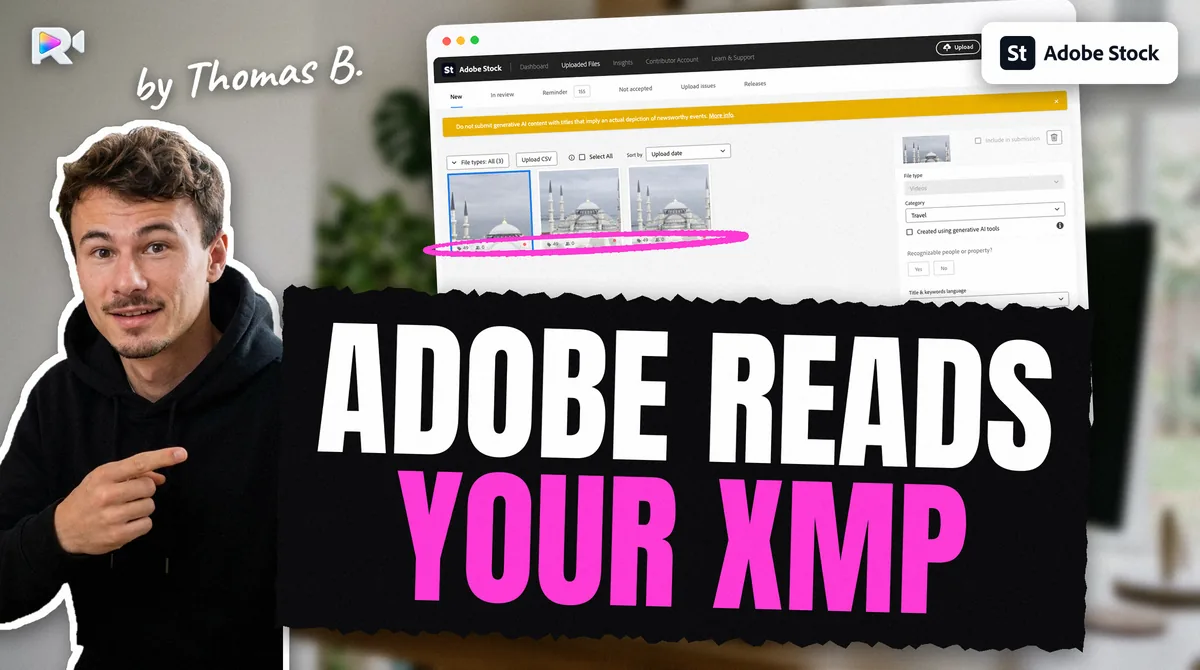
On Adobe Stock, the title and keywords can travel inside the video file. Adobe read them off a clip on 2026-09-07, with no form filled in, and then assigned the clip a category by itself. What matters is order: Adobe's tips page (updated 2026-08-18) says the first 10 of up to 49 keywords weigh most, and advises a title under 70 characters.
On Shutterstock, the same embedded metadata is ignored. Measured on 2026-09-11, a clip carrying an embedded title, description and keywords arrived with an empty description, no category and no keywords. Metadata goes in through the CSV import or the form. Keywords are stored alphabetically, so their order does not count; what counts is 7 to 50 relevant ones, a factual description, and two categories chosen on purpose. Leave the second empty and the portal fills it itself. The shutterstock video categories article shows how that went wrong on 24 clips of one lot.
So one clip becomes two jobs: a short title and ten strong first keywords for Adobe, written into the file; a description, a full keyword set and two categories for Shutterstock, in a CSV.
Which accepts editorial video?
Shutterstock does; Adobe Stock does not. Adobe's illustrative editorial programme takes only photos, illustrations and vectors. Shutterstock takes editorial video when Editorial is ticked and the description opens with a dateline: CITY, STATE/COUNTRY – MONTH DAY, YEAR: per its help centre (updated 2026-02-18). A street scene with shop signs and passers-by can sell on Shutterstock and has no place on Adobe. Editorial use only has its own caption rules on each agency.
Which file specs differ?
Frame rate, file size and sound. Adobe accepts 8 frame rates (23.98, 24, 25, 29.97, 30, 50, 59.94, 60); Shutterstock's help adds 48. Adobe caps a video at 3.9 GB; Shutterstock's help says 10 GB. Adobe's specs page says it does not accept videos with audio, and we strip every track, silent ones included. Shutterstock says a clip should not contain audio "unless it enhances the clip, or is considered editorial". A 48 fps clip, or a 5 GB master, can go to Shutterstock as it is and needs a new export for Adobe. The free stock video specs checker tells you which before you upload.
How do review and upload limits differ?
Neither agency gives a review time, and only Shutterstock gives its upload cap. Adobe's portal banner said moderation "may take up to 8 weeks" (read 2026-09-07). Adobe has capped weekly submissions since 2025-05-20 without publishing the number. Shutterstock's help says queues vary by media type and marketplace, and caps video at 100 clips per rolling 7 days.
Shutterstock also has a third outcome. Its quality page (updated 2025-07-17) says content that is legally fine but below its quality bar "will only be accepted for data licensing": it goes into Shutterstock's data licensing, not to ordinary customers.
How do royalties differ?
Adobe pays a fixed share; Shutterstock pays by level.
- Adobe Stock: 35% on video. Per video download, its royalties page (read 2026-10-27) gives $22.40 to $28.00 for HD and $56 to $70 for 4K bought with credits or on demand, and $2.80 to $8.40 on subscriptions.
- Shutterstock: six levels from 15% to 40%, counted separately for images and video, and back to level 1 every 1 January (help, 2025-04-21). A download never pays less than $0.10.
No agency publishes what a typical video earns, and I will not invent one. The stock footage royalty calculator works out one sale on each agency from its published rate.
How do payouts and tax differ?
Similar methods, different minimums. Adobe pays from $25, through PayPal, Payoneer or Skrill, and makes Payoneer the required provider in some countries, including Indonesia. Shutterstock lets you choose your minimum between $25 and $2,000, through PayPal, Skrill or Payoneer, and does not pay by bank transfer. Shutterstock also holds the first payment for 90 days in some countries it does not list.
Both need a US tax form before paying. Adobe withholds 30% until a W-8BEN is validated, asks for no tax number, and publishes a table by country with a separate column for video: its table (updated 2026-10-09) shows Pakistan at 30% for video and 0% for images. Shutterstock withholds 30% on licences bought by US customers, lowered by your country's treaty; its table by country sits behind the login.
So which one should you choose?
Both, if your footage allows it, because they reward different clips. A clean, releasable nature clip at 25 fps fits both. An editorial street scene, or anything at 48 fps, fits only Shutterstock until you re-export it. What you cannot avoid is doing the metadata twice, in two shapes. That is the cost to plan for, not the upload.
For the whole path, including Pond5 and Getty, see how to sell stock video footage.
Frequently asked questions
Neither wins on everything. Adobe Stock pays a flat 35% on video and reads metadata embedded in the file. Shutterstock pays 15% to 40% by level, accepts editorial video and 48 fps, and takes metadata by CSV. Many contributors use both.
Yes. Adobe licenses non-exclusively, and selling the same clip on several marketplaces is common practice. What you must never do is send the same clip twice to one of them.
It depends on the licence. Adobe's royalties page gives $22.40 to $28.00 per HD video licence bought with credits, $56 to $70 for 4K, and $2.80 to $8.40 on subscriptions. Shutterstock's amount depends on your level, from 15% to 40%, with a $0.10 floor.
No. Adobe Stock does not accept editorial video. Shutterstock does, with a dateline in the description and Editorial ticked.
Adobe reads the title and keywords embedded in the video file; Shutterstock does not. Measured on 2026-09-11, a clip carrying embedded metadata arrived on Shutterstock with no description and no keywords. Use Shutterstock's CSV import.
Neither publishes a figure. Adobe's portal banner said moderation may take up to 8 weeks (read 2026-09-07). Shutterstock says review queues vary by media type and marketplace.
Adobe Stock pays from $25, through PayPal, Payoneer or Skrill. On Shutterstock you choose a minimum between $25 and $2,000, paid through PayPal, Skrill or Payoneer, with no bank transfer.
Keep reading

Sources
- Adobe Stock royalties page, read 2026-10-27
- Adobe Stock, Technical requirements for video submissions (updated 2026-06-11), read 2026-10-27
- Adobe Stock, Illustrative editorial content submission overview (updated 2026-06-11)
- Adobe Stock, Payment requirements (updated 2026-06-11), read 2026-10-28
- Adobe Stock, Tax FAQ for non-US citizens (updated 2026-06-11), read 2026-10-28
- Adobe Stock, Tax withholding rates by country (updated 2026-10-09), read 2026-10-28
- Adobe Community announcement, New submission limits for Adobe Stock contributors (2025-05-20)
- Shutterstock, How much will I be paid as a contributor? (updated 2025-04-21)
- Shutterstock, Why am I still seeing $0.10 earnings at higher levels?
- Shutterstock, What are the technical requirements for video? read 2026-10-27
- Shutterstock, Photo and Video Quality Requirements: data licensing only outcome (updated 2025-07-17)
- Shutterstock, How long does it take to review my submitted content? (updated 2025-10-16)
- Shutterstock, Why is my content still pending review? review queues by media type and marketplace (updated 2025-10-17)
- Shutterstock help: upload limit of 100 video clips per rolling 7 days (article 10594612), read 2026-10-28
- Shutterstock help: 90-day wait before the first payment in some countries (article 10594583)
- Shutterstock help: FTPS upload (article 10617392)
- Shutterstock, How do I submit video for review? unsubmitted uploads deleted after 21 days (article 10594647, updated 2025-11-13)
- Shutterstock help: ingestion can take up to 72 hours (article 12133837)
- Shutterstock, How do I submit editorial content? (updated 2026-02-18)
- Shutterstock, How do I set up or fix my earnings payment method? (updated 2025-09-13)
- Shutterstock, How do I change my payment settings? (updated 2025-07-16)
- Shutterstock, W-8BEN tax form frequently asked questions (updated 2025-07-16)
- Measured on live accounts: embedded XMP read by Adobe Stock (2026-09-07), ignored by Shutterstock (2026-09-11); Shutterstock CSV dialog, 19 categories, FTPS ingestion (2026-09-11)
- Live Adobe Stock account: SFTP not enabled message string (2026-10-02), moderation banner (2026-09-07), category set by Adobe itself (uploaded 2026-09-05, read 2026-09-07)