
How do you sell stock video footage?
How to sell stock video footage on Adobe Stock, Shutterstock, Pond5 and Getty: what to film, specs, metadata, upload, review, payouts. Checked Oct 2026.

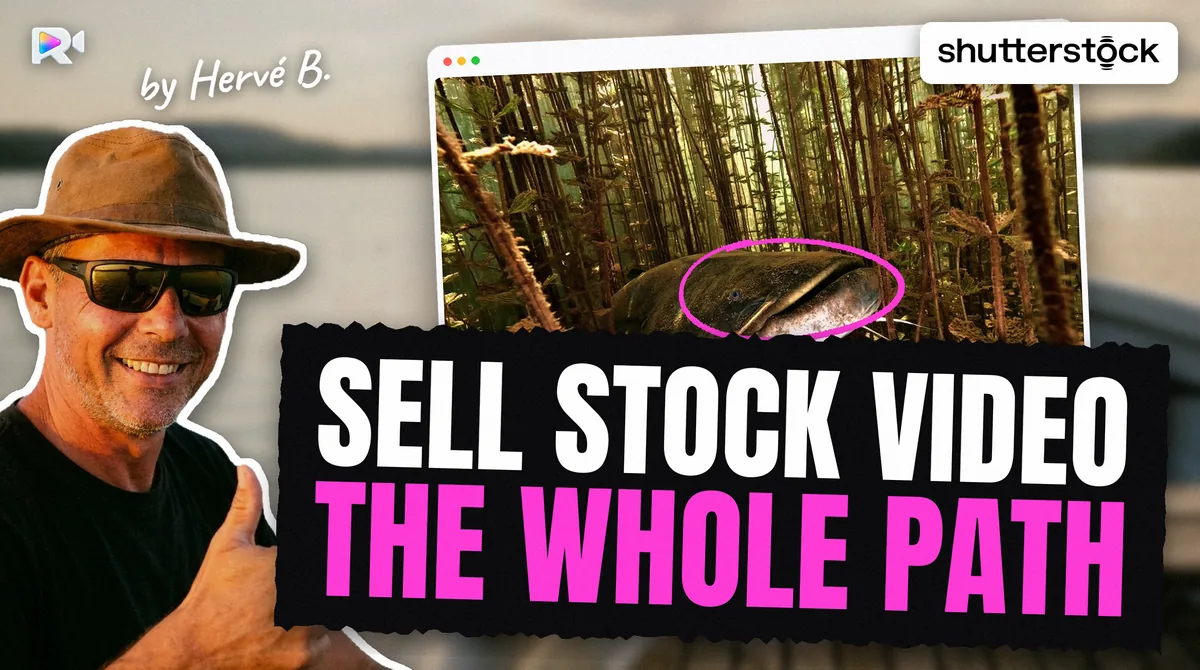
To sell stock video footage, you film short clips of one idea each, open a contributor account on agencies such as Adobe Stock, Shutterstock, Pond5 and Getty Images, and upload each clip with a title and keywords. You earn a share of every licence: Adobe Stock pays 35% on video (checked on 27 October 2026).
I am Hervé. I film underwater, in French lakes such as Salagou and Parentis among other places, and I sell my footage as Seafootage on those four agencies. My son Thomas built Rushlot, the tool I now use to send it. This guide is the whole path, from the shot to the payout, with each agency's own rules and the date we read them. Where an agency contradicts itself, I say so.
Where can you sell stock video footage?
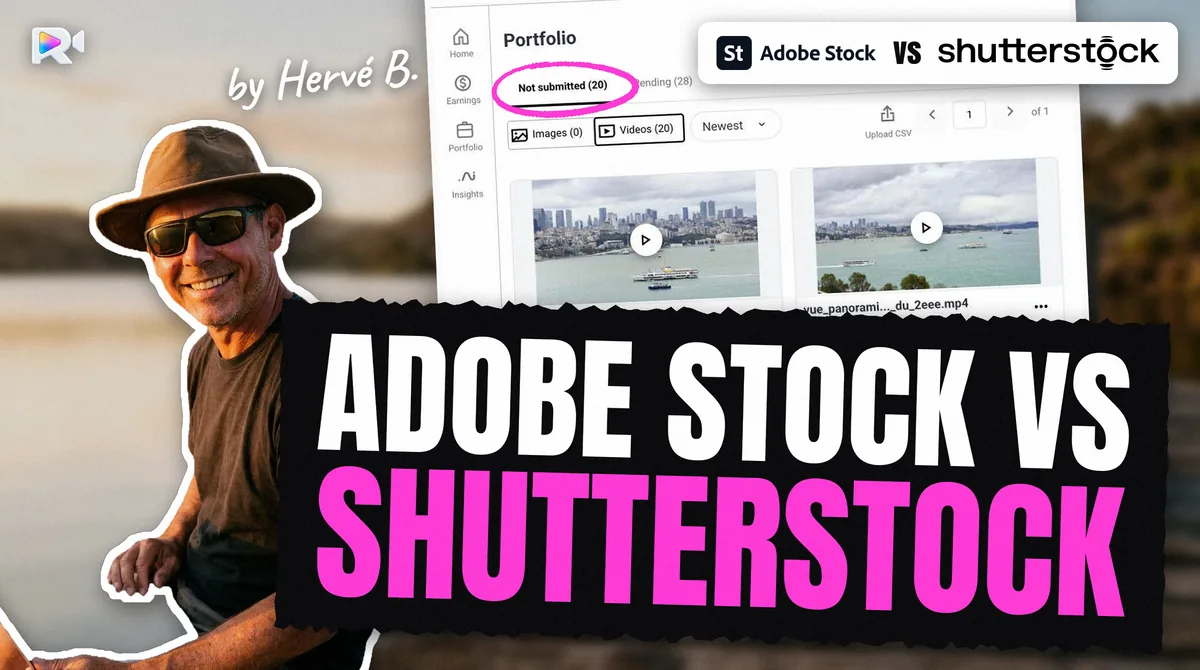
Four major marketplaces take video from independent contributors: Adobe Stock, Shutterstock, Pond5 and Getty Images (with iStock). Adobe, Shutterstock and Pond5 take sign-ups; Getty/iStock first reviews an application with samples. Adobe licenses non-exclusively, Pond5 is non-exclusive by default, and iStock exclusivity is opt-in, so one clip can go to several. The differences are in how you upload, how they read your metadata, and what they pay.
| Adobe Stock | Shutterstock | Pond5 | Getty Images / iStock | |
|---|---|---|---|---|
| How you upload video | Browser; SFTP only for "qualified" accounts | FTPS or browser | FTPS or browser | ESP, in the browser only, no FTP measured |
| Reads keywords embedded in the file | Yes measured | No measured | Yes measured | No measured |
| Clip length | 5 to 60 s | 5 s to 1 min | 5 to 60 s | 5 s minimum, 30 s suggested maximum |
| Editorial video | Not accepted | Accepted | Accepted | Not offered on the account we measured measured |
| Royalty on video | 35% | 15% to 40%, by level | 30% non-exclusive, 40% exclusive | Not detailed by media on a public page |
| Lowest payout | $25 | You choose, $25 to $2,000 | $25 | iStock $100; Getty $50 to $100 by contract |
Sources are listed at the foot of this page; "measured" marks what we read on live contributor accounts between September and October 2026. Each marketplace also has its own page here: Adobe Stock, Shutterstock, Pond5 and Getty Images.
Getty's royalty rates for video sit behind its contributor login, so the table says so rather than guessing. If you only start with one agency, the Adobe Stock contributor guide covers sign-up, identity checks and tax forms in detail.
What kind of stock footage should you film?
Film what the agencies say they want, one idea per clip, and plan seasonal topics months ahead. No agency publishes sales by subject, but three of them publish what they are looking for.
- Adobe Stock lists seven high-demand video categories (updated 2026-06-11): lifestyle and people in action; nature and landscapes; business and technology; health and wellness; travel and culture; vertical 9:16 video; abstract and conceptual motion.
- Pond5 publishes a creative brief every month (Earth Day, Football, Workplace, Travel, Family, Holidays and others in 2026). Each brief gives a tracking keyword to add to your metadata, such as
TRAVELP5BRIEF. - Getty Images shows its popular video categories on its VisualGPS page (read 2026-10-27): 4K, Adventure, Aerial, Animation and motion graphics, Architecture, Backgrounds.
- Shutterstock has a monthly Shot List, but it sits behind the contributor login.
Adobe's planning page (updated 2024-11-05) advises planning 4 to 5 months before an event and uploading 2 to 3 months before it. Review takes time, so a Christmas clip uploaded in December is late.
I film underwater, and I looked for an official demand signal for it. I found one line: Pond5's Earth Day brief (2026-01-02) asks for establishing shots of oceans. That is not proof there is no demand. It means no agency writes about it, so the only way to know is to upload and watch.
What do agencies check on the file?
They check the technical file before anyone looks at the content: length, frame rate, frame size, codec, sound and sharpness. A clip that fails one of these is refused, however good the shot.
- Length. 5 to 60 seconds on Adobe, Shutterstock and Pond5. Getty asks for at least 5 seconds and suggests 30 at most.
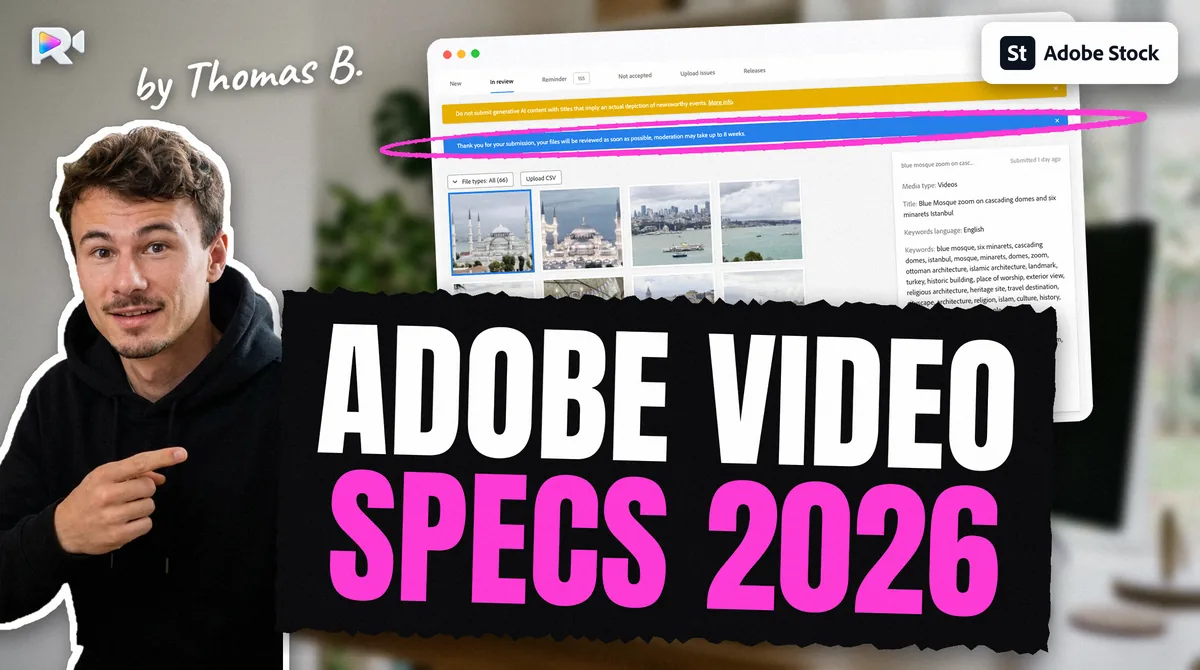
- Frame rate. Adobe accepts 8 values: 23.98, 24, 25, 29.97, 30, 50, 59.94 and 60. Shutterstock's help also lists 48, which Adobe refuses.
- File size. Adobe: 3.9 GB at most. Shutterstock's help centre gives 10 GB.
- Sound. Adobe does not accept video with audio. Shutterstock rejects "unnecessary audio or audio that is potentially copyrighted". Pond5 advises removing audio by default.
- Resolution. Adobe wants the camera's original resolution and refuses upscaled footage.
You can read all of this off your own file before you upload. The free stock video specs checker reads frame rate, resolution, duration, codec and audio in your browser, and the file never leaves your computer. The Adobe Stock video specs article gives the full allow-lists.
What rules does the content itself have to follow?
For a commercial licence, nothing in the frame may belong to someone who has not signed a release. That means no logos or brands, no recognisable person without a model release, no private building or artwork as the main subject without a property release, and no added music.
If a clip breaks one of these rules for a good reason (a street, a festival, a city landmark), it can still sell as editorial footage on Shutterstock and Pond5. Adobe Stock does not accept editorial video at all.
How do you write titles and keywords for stock footage?
Write one precise title per clip, then keywords that a buyer would type, most important first. The catch is that each agency wants them in a different shape.
- Adobe Stock: a title up to 200 characters in the portal, though Adobe advises under 70; up to 49 keywords (Adobe's CSV template), and the first 10 weigh most (Adobe tips page, updated 2026-08-18).
- Shutterstock: 7 to 50 unique keywords, stored in alphabetical order, so order does not count. The description works as the title: an English sentence, 200 characters in the CSV import dialog we measured.
- Pond5: its most recent page asks for 10 to 20 keywords; older pages say 40 to 50. Pond5 has not settled it.
- Getty Images / iStock: keywords must match Getty's controlled vocabulary. On our account it appears to have rewritten "wildlife" into "Animal Wildlife" and dropped a Latin species name measured.
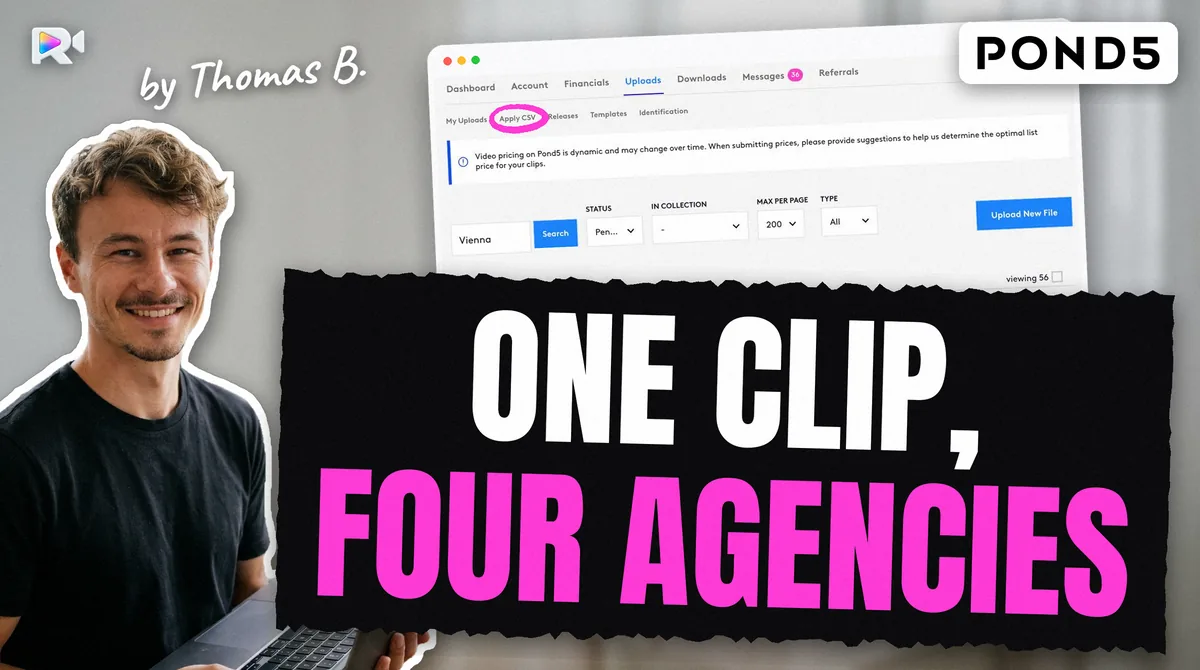
The other difference is where the metadata travels. Adobe and Pond5 read a title and keywords written inside the video file, so the file carries them. Shutterstock and Getty ignore that, so you enter the same clip a second and a third time, through a CSV file or the web form. The embedded XMP article shows the Adobe side in detail. To keep this quick across many clips, work in batches of one subject.
Where does the time go when you sell on four agencies?
In the metadata, not the upload. Filming is the part I enjoy. What used to eat my time was writing the same clip four ways and entering it four times.
I am not the only one. On Adobe's forum in October 2022, a contributor said choosing keywords and writing the title took 15 minutes per photo by hand. Doug Jensen, interviewed in June 2023, had 6,500 finished 4K clips "just awaiting metadata". On Pond5's forum, a contributor with 13,000 files wrote in November 2021 that "the metadata is the hardest part".
Here is my own time. I was already using ChatGPT to draft my metadata. Putting 60 videos on the four marketplaces still took me about forty hours. With Rushlot, it takes about one. Rushlot is built by my son Thomas, so read that with the family link in mind: it is my experience, not a measurement of anyone else's work.
How do you upload stock footage to each agency?
Each agency has its own door, and only two of them read the file's own metadata.
- Adobe Stock: the browser uploader for every account, up to 3,900 MB per video measured. SFTP exists, but only for accounts Adobe calls "qualified"; the portal's code carries the message
SFTP is not enabled.for the others (read 2026-10-02). The Adobe Stock SFTP article explains the difference. - Shutterstock: FTPS or the browser, then a CSV import for the metadata. On a live account, a clip appeared in the portal about two seconds after the transfer measured (2026-09-11).
- Pond5: FTPS or the browser. Watch the file name: Pond5 keeps only 80 characters of it, which made clips look missing to us. See the Pond5 FTP upload article.
- Getty Images / iStock: video goes through ESP, Getty's web portal, with no FTP, and a CSV file of 8 columns for the metadata measured.
Uploading is not submitting. On every agency, a clip waits for you to press Submit, except Adobe SFTP deliveries, which went into review by themselves on our account measured (2026-09-07). That is why I review each clip before it leaves my computer.
How long does review take?
Weeks, sometimes, and no agency commits to a number. Adobe's portal banner said moderation "may take up to 8 weeks" (read 2026-09-07). Pond5 says review times "vary week to week". Shutterstock and Getty publish no figure.
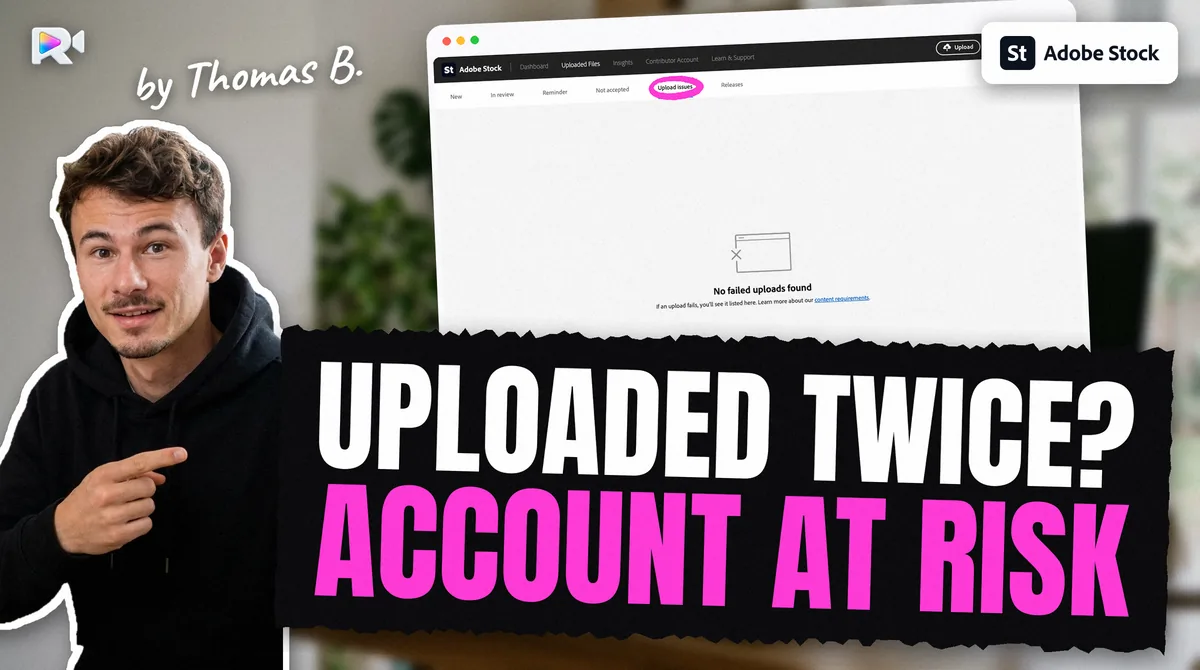
While you wait, do not upload a clip again because you cannot see it. On Shutterstock and Pond5, the file left the FTPS folder within seconds of arriving measured, and Adobe's New tab can look empty while clips sit in review, and a second copy of the same clip on one marketplace is the mistake that puts an account at risk. The stock footage duplicate upload article explains what counts as a duplicate and how we made two.
How much do stock footage contributors earn?
You earn a percentage of each licence, and that percentage depends on the agency, the licence and sometimes your level.
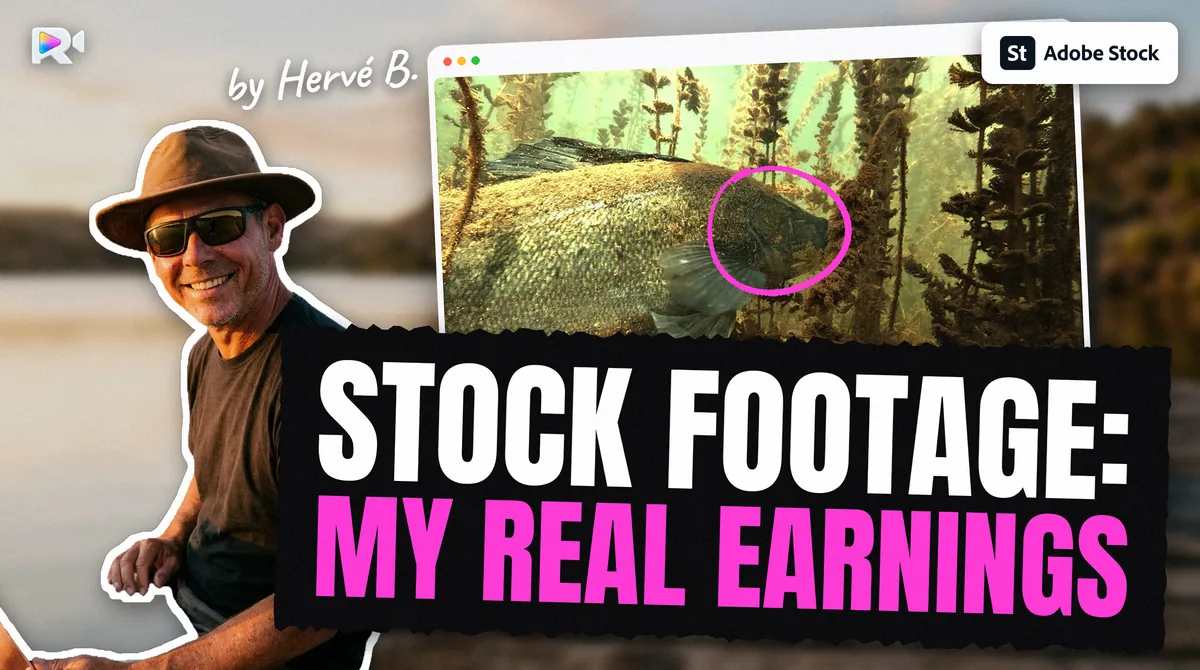
- Adobe Stock: 35% on video, 33% on photos. Its royalties page (read 2026-10-27) gives, per video download, $22.40 to $28.00 for HD and $56 to $70 for 4K bought with credit packs or on demand, and $2.80 to $8.40 on subscriptions.
- Shutterstock: six levels from 15% to 40%, counted separately for images and video, and back to level 1 every 1 January (help centre, 2025-04-21).
- Pond5: 30% for non-exclusive contributors and 40% for exclusive video, since 2025-01-15.
- Getty Images / iStock: rates sit behind the contributor login; iStock's public page gives a range of 15% to 45% without a figure per media.
No agency publishes what a typical clip earns, and I will not invent one. I can only show what my own catalogue earned.
These numbers come from Seafootage, the catalogue of Hervé Berthou, whose son Thomas builds Rushlot. One account, not a market survey.
From November 2025 to October 2026 (October partly counted, Getty on 11 statements), the four agencies paid my catalogue $12,069.18, read on 21 to 27 October 2026. Adobe Stock paid 60.4% of it, bonuses included, Shutterstock 18.5%, Getty/iStock 15.9% and Pond5 5.2%. That is from a large catalogue: 5,027 videos on Adobe Stock alone, of which 90.6% had no sale in the last 12 months. The median sale was $16.37 on Pond5, $8.40 on Adobe Stock and $0.98 on Getty/iStock.
None of that is what you will earn. Your subjects and your volume are not mine. The whole account, agency by agency, is in is selling stock footage worth it. The stock footage royalty calculator works out what one sale pays on each agency from its published rate.
How do you get paid?
Each agency pays once you pass its minimum. Adobe, Shutterstock and Getty need a US tax form; Pond5 withholds nothing.
- Adobe Stock: $25 minimum; PayPal, Payoneer or Skrill. Without a validated W-8BEN (outside the US), Adobe withholds 30%.
- Shutterstock: you choose a minimum between $25 and $2,000; PayPal, Skrill or Payoneer, and no bank transfer.
- Pond5: $25 minimum, paid on the 15th; PayPal, Skrill or Payoneer. Pond5 withholds no US tax for non-US residents.
- Getty Images / iStock: iStock pays from $100, Getty from $50 to $100 depending on your contract, on the 25th; PayPal or Payoneer.
A checklist before your first upload
- One idea per clip, 5 to 60 seconds, steady, at the camera's own resolution.
- No logos, no unreleased faces, no added music. If you cannot avoid them, it is editorial, and Adobe will not take it.
- Check the file against each agency's specs before upload, not after a refusal.
- One precise title that says what, where and doing what. Everything else is built from it.
- One record per clip and per agency: what you sent, when, and under which file name.
- Never send the same clip twice to one marketplace, even when it seems to be missing.
- Press Submit yourself, after you have looked at every clip.
Frequently asked questions
The four main marketplaces for video contributors are Adobe Stock, Shutterstock, Pond5 and Getty Images (with iStock, through Getty's ESP portal). Adobe licenses non-exclusively, Pond5 is non-exclusive by default, and iStock exclusivity is opt-in, so the same clip can be sold on several of them.
It depends on the agency and the licence. Adobe Stock pays 35% of the licence price on video; its royalties page (read 2026-10-27) gives $22.40 to $28.00 for an HD licence bought with credits and $56 to $70 for 4K, and $2.80 to $8.40 on subscriptions. Shutterstock pays 15% to 40% by level. Pond5 pays 30% to non-exclusive contributors.
Yes, unless you signed an exclusive deal. What you must never do is send the same clip twice to the same marketplace.
No agency asks for a camera brand. They check the file: frame rate, resolution, duration, codec, sharpness and stability. Adobe, for example, accepts only 8 frame rates and refuses upscaled footage.
No agency publishes a figure. Review alone can take weeks on Adobe Stock, and Adobe advises uploading seasonal content 2 to 3 months before the season.
Usually not. Adobe Stock does not accept video with audio. Shutterstock rejects unnecessary or possibly copyrighted audio, and Pond5 advises removing audio by default.
No agency publishes typical earnings, so nobody can promise a figure. One real account, Seafootage (my own catalogue; my son Thomas builds Rushlot), earned $12,069.18 in the 12 months to October 2026 on four agencies, with 5,027 videos on Adobe Stock alone, and most clips did not sell. What you can control is the cost: the hours spent on titles, keywords and uploads for each clip and each agency.
Keep reading
Sources
- Adobe Stock, Video submission overview: high-demand video categories (updated 2026-06-11), read 2026-10-27
- Adobe Stock, Technical requirements for video submissions (updated 2026-06-11), read 2026-10-27
- Adobe Stock, Careful video content planning (updated 2024-11-05), read 2026-10-27
- Adobe Stock royalties page, read 2026-10-27
- Adobe Stock, Payment requirements (updated 2026-06-11), read 2026-10-28
- Shutterstock, How much will I be paid as a contributor? (updated 2025-04-21)
- Shutterstock, What are the technical requirements for video? read 2026-10-27
- Shutterstock, How do I set up or fix my earnings payment method? (updated 2025-09-13)
- Pond5, Contributor agreement update: 30% non-exclusive, 40% exclusive video, from 2025-01-15
- Pond5, Payout overview, read 2026-10-28
- Pond5, Creative Briefs index (2026), read 2026-10-27
- Getty Images, VisualGPS creative trends: popular video categories, read 2026-10-27
- Getty Images, Preparing Your Content (contributor help, undated), read 2026-10-27
- iStock, Work with us: royalty range for contributors, read 2026-10-27
- Getty Images, Royalties Guide (contributor help, article 5191), read 2026-10-28
- Adobe help, Tips for effective titles and keywords (updated 2026-08-18), read 2026-10-01
- Pond5, Tagging & Pricing Your Files (modified 2026-01-29), read 2026-10-27
- Pond5 community, thread of 2021-11-19: a contributor with 13,000 files
- Shutterstock help, Contextual Metadata (updated 2026-02-26), read 2026-10-27
- Adobe Community, 'Time spent searching for keywords and titles' (2022-10-31)
- Brutally Honest Microstock, interview with Doug Jensen (2023-06-28)
- Measured on live contributor accounts: embedded XMP read by Adobe and Pond5, ignored by Shutterstock and Getty, 2026-09-07 to 2026-09-11
- Measured on a live Getty Images ESP account: video uploads in the browser only, no FTP, 2026-09
- Measured on the live Seafootage accounts: official monthly totals, Nov 2025 to Oct 2026, sales records and Adobe portfolio of 5,027 videos, read 2026-10-21 to 2026-10-27
- Hervé Berthou, 60 videos on four marketplaces, about 40 hours before Rushlot and about 1 hour with it, stated 2026-10-28