
How do I keyword stock footage fast?
How to keyword stock footage fast: one precise title, batches by subject, words in priority order, one review. Real timings and what each agency keeps.

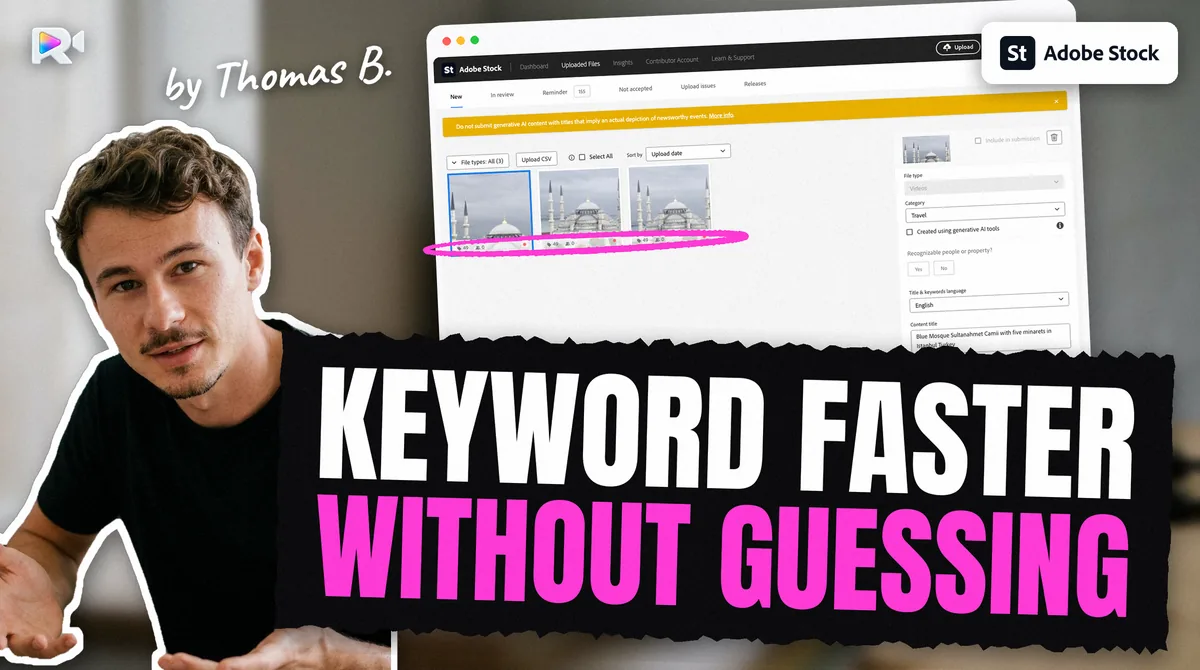
To keyword stock footage fast, write one precise title per clip, batch clips by subject so they share most keywords, fill the words in priority order, and review each batch once. Adobe Stock weighs the first 10 keywords most. Tool vendors claim 3 to 15 minutes a clip by hand; my father spent about 40 a clip to post on four agencies.
I build Rushlot, a Mac and Windows app that drafts each agency's keywords from your title, so I am not neutral. Everything below also works by hand. A value marked measured was read on a live contributor account.
How long should keywording a clip take?
Nobody knows a true average, and no agency publishes one. These are the figures we could find, and they do not agree.
| Source | What it counts | Time |
|---|---|---|
| AutoKeyworder (a tool vendor), read 2026-11-08 | One clip by hand | 3 min |
| ClipMeta (a tool vendor), read 2026-11-08 | One clip by hand | 10 to 15 min |
| ClipMeta, same page | 100 clips with AI, review included | 1 to 1.5 h |
| A contributor on Adobe's forum, October 2022 | One photo by hand, keywords and title | 15 min |
| Two volunteer experts, same thread | One image | 1 to 2 min |
| Hervé Berthou, 2026 | One clip posted on four agencies, ChatGPT drafting, metadata and posting together | About 40 min |
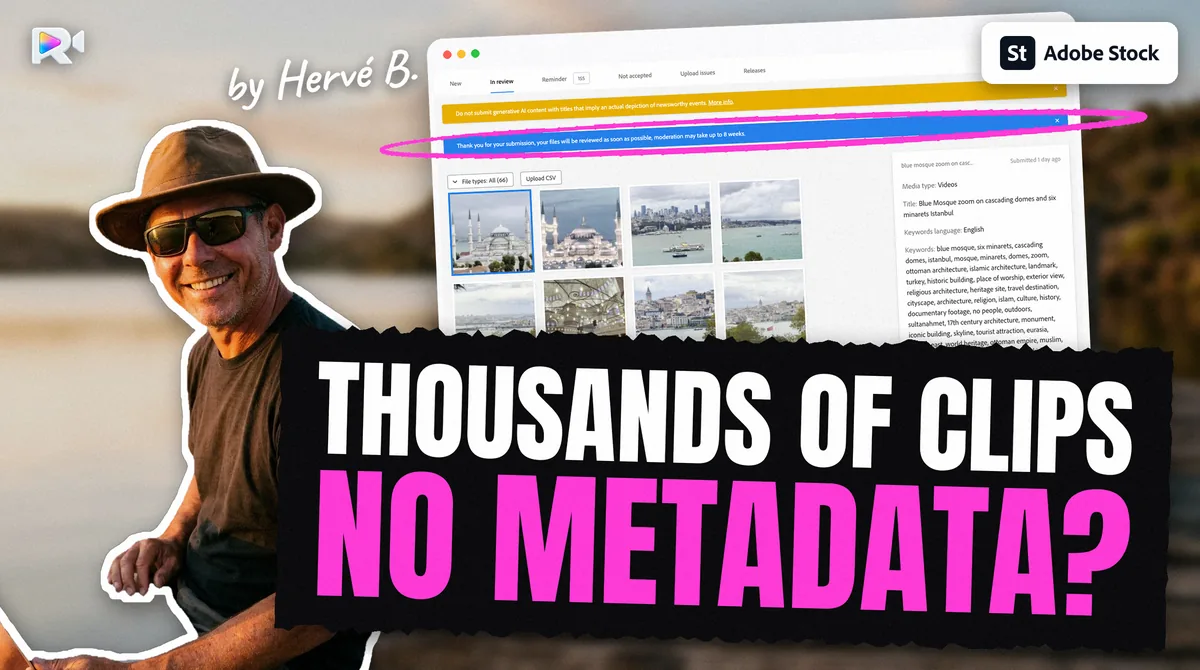
Two of those are vendors selling a tool, so read them as claims. The last is one contributor's estimate, and he is my father: he put 60 videos on four marketplaces in about 40 hours before Rushlot, and about 1 hour with it. One clip for one agency is a small job. One clip in four shapes is not.
What is the fastest order to work in?
Title first, then group, then a shared base, then the differences, then one review.
- Write one precise title. Say what, where and doing what: "Northern pike hiding in watermilfoil, Lake Salagou". Every keyword you need next is already in it. The free stock video title checker tests it against three agencies.
- Group clips by subject. Twenty clips of one species, or one city, share most of their words. ClipMeta's guide recommends the same thing: shared terms per group, specific terms per clip.
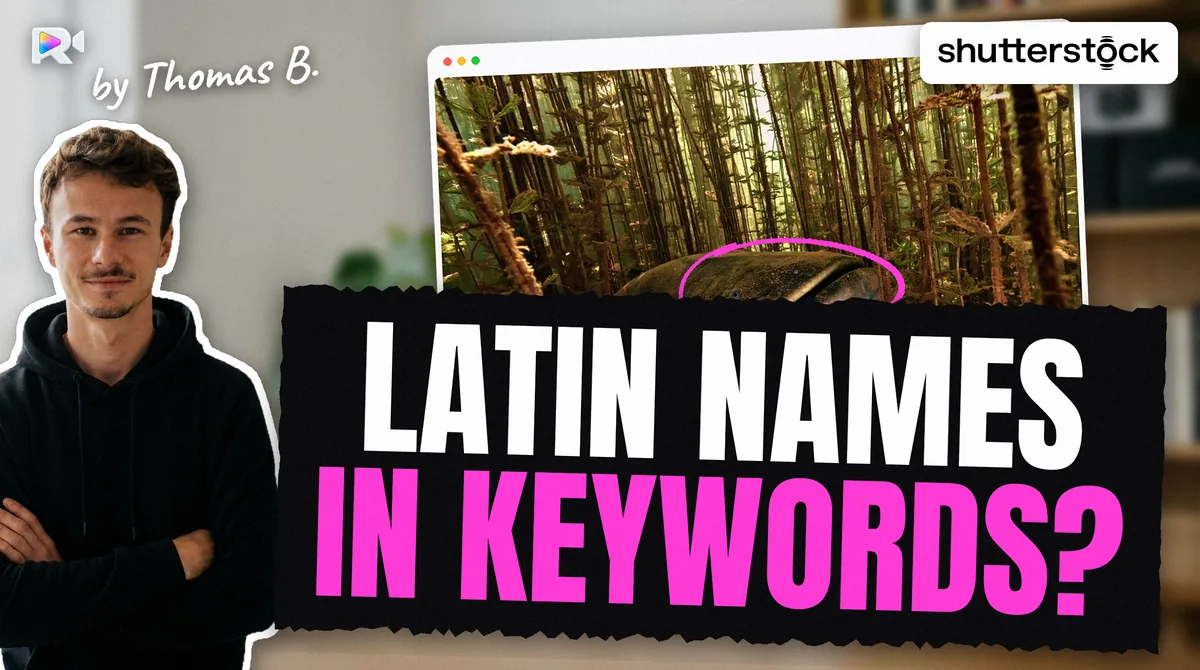
- Write the shared base once. The species, its Latin name, the habitat, the place, the general concept. Check them once.
- Add what differs per clip. The action, the framing, the camera movement, the light.
- Review the group in one sitting. Reading twenty lists that look alike is how a wrong word stands out.
I think checking is where groups save the most. A species name you verified once against a register such as WoRMS does not need checking nineteen more times.
Which keywords should you write first?
The ones a buyer would type for this exact clip. A simple way to avoid forgetting a family of words is to walk through seven questions, a checklist published by Drone Courses:
| Question | Example for a pike clip |
|---|---|
| What is it? | northern pike, predator fish |
| When? | summer, daytime |
| Where? | lake, freshwater, France |
| What idea does it carry? | hunting, camouflage, patience |
| How was it filmed? | underwater, close up, static shot |
| How fast? | slow motion, real time |
| What colour? | green water, natural light |
Only write what is true and visible, and only name a season or a country you can confirm. Order matters on Adobe, which says "the first 10 keywords carry the most weight in search results". Adobe and Pond5 kept our order measured, though nobody outside Pond5 knows whether its search uses it. Shutterstock stores keywords alphabetically measured, so there only the set counts.
To find the words buyers use, type your subject into the agency's own search bar and read what it suggests.
How many keywords are enough?
Fewer than the field allows. Padding is slow, and it is the part agencies punish.
| Agency | Allowed | Advised |
|---|---|---|
| Adobe Stock | 49 | 15 to 35 "often plenty" |
| Shutterstock | 7 to 50 | No target |
| Pond5 | Up to 50 | 10 to 20 |
| Getty / iStock | 5 to 50 | "Quality over quantity" |
So stop when you run out of true words. The full table, with its sources and contradictions, is in how many keywords Adobe Stock allows. Before you paste a list, the cleaner below removes duplicates and repeated stems and shows your first 10.
Does AI make keywording faster?
It makes the draft faster and leaves you the reading. My father already used ChatGPT, and posting to four agencies still took him about 40 minutes a clip. Use a model for the first list, from your own title, and then delete every word you cannot see in the clip.
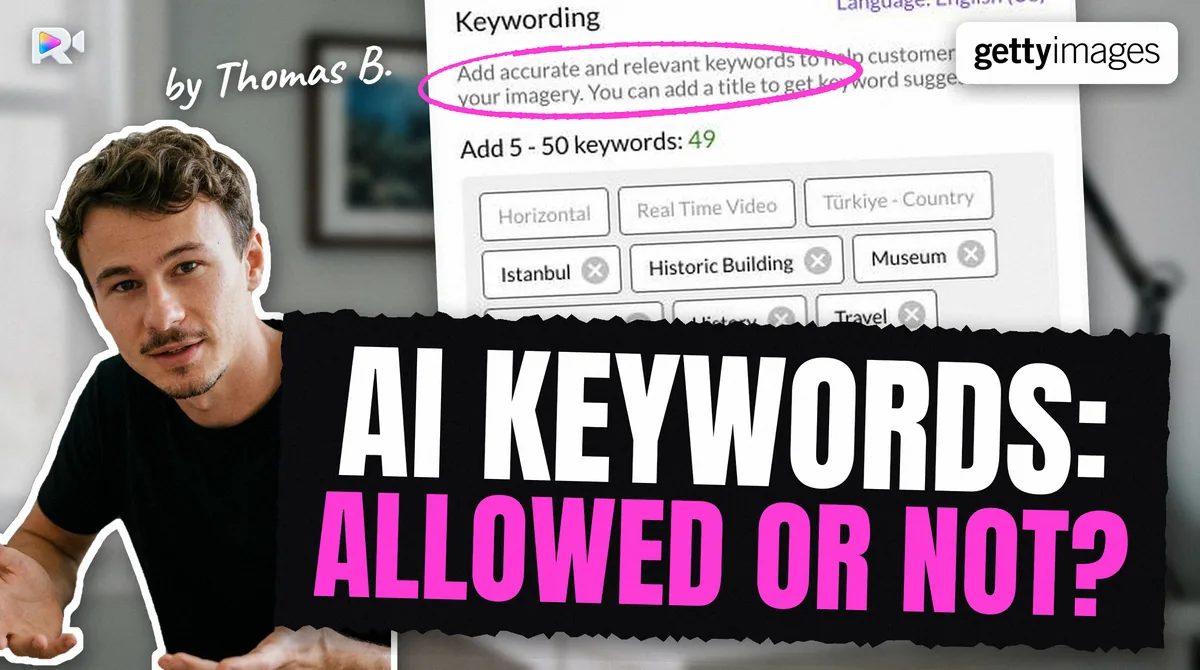
None of the four agencies forbids AI-written keywords in the pages we read in October 2026. They penalize what the words say: irrelevant terms, repeated words, brands and spam. The list of what goes wrong, and what each agency does about it, is in what the agencies penalize.
Why does each extra agency cost so much?
Because the same list does not fit. These are the differences that force a rewrite:
- Getty keeps only its own vocabulary. On one clip of Seafootage, the catalogue of my father, Hervé Berthou, Getty accepted 19 of 46 keywords and left 27 in red (2026-09-11) measured.
- Shutterstock can drop words. On 9 of 15 clips of one lot on the same account, it kept 37 to 48 of the 49 sent measured.
- Only two agencies read the file. Adobe Stock and Pond5 read keywords embedded in the video. Shutterstock and Getty need a CSV or a form, so you enter the clip again.
If you are starting out, keyword for one agency first and add the others when the method is routine.
What wastes the most time?
Three habits, all fixable.
- Keywording one clip at a time instead of by group, so the same species gets checked again and again.
- Filling the field to the limit. The last ten words are the slowest to find and the least true.
- Fixing after upload. Adobe's edit page lets you change an accepted file only one at a time, and not during moderation. Read the list before it leaves.
If you have thousands of clips waiting, the order in stock footage metadata backlog applies, and Shutterstock's and Adobe's submission limits set your pace.
How do you choose a keywording tool?
Check that it handles video, and how the metadata reaches each agency. Several tools stop at a CSV, and some say video metadata stays out of the file. Our comparison of stock footage software lists them from their own pages, in alphabetical order, Rushlot included, and Rushlot vs ClipMeta sets two of them side by side.
What have we not measured?
- How long keywording alone takes. My father's figure includes posting.
- Whether a list made faster sells worse, or better.
- Whether the seven-question checklist finds more buyers than another method. It is a way of not forgetting words, nothing more.
Frequently asked questions
No agency publishes a figure. Tool vendors give 3 minutes and 10 to 15 minutes per clip by hand, and they disagree. Hervé Berthou, whose son builds Rushlot, spent about 40 minutes a clip posting to four agencies, even with ChatGPT drafting. That is metadata and posting together.
Group clips by subject, write a shared keyword base for the group, add what is specific to each clip, and review the whole group at once. The gain is that you check a species or a place only once.
As many as the clip supports. Adobe calls 15 to 35 often plenty, Pond5 advises 10 to 20, Shutterstock accepts 7 to 50, and Getty asks for quality over quantity.
Not safely. Getty keeps only words from its own vocabulary, Shutterstock stores keywords alphabetically and has dropped some on our clips, and only Adobe Stock and Pond5 read keywords embedded in the video file.
It makes the draft faster. You still have to read every word. No agency we read in October 2026 bans AI-written keywords, but they all judge the result, and a wrong species name is a false claim.
Yes, for what the clips really share, such as the species or the place. Keep the words that differ, such as the action or the framing, specific to each clip, and never send the same clip twice to one agency.
Keep reading
Sources
- Adobe help, Change the order of your keywords, search extract read 2026-10-27
- Adobe Artist Hub, Maximize Metadata part 3 (undated), read 2026-10-01
- Pond5, Tagging & Pricing Your Files (modified 2026-01-29), read 2026-10-27
- Getty Images, Content Partners guide, article 6064, read 2026-10-01
- Shutterstock help, Contextual Metadata (updated 2026-02-26), read 2026-10-27
- ClipMeta blog, AI keywording stock video (a vendor's figures), read 2026-11-08
- ClipMeta blog, Batch keywording stock footage (a vendor's method), read 2026-11-08
- AutoKeyworder, The complete guide to stock video keywording (a vendor's figures), read 2026-11-08
- Drone Courses, Stock footage metadata keywords (seven-category checklist), read 2026-11-08
- Adobe Community, Time spent searching for keywords and titles (2022-10-31)
- Measured on live accounts: keyword order kept by Adobe (2026-09-07) and Pond5 (2026-09-11), alphabetical on Shutterstock (2026-09-11), Getty ESP keyword verdicts (2026-09-11)
- Hervé Berthou (Seafootage), the author's father: 60 videos on four marketplaces, about 40 hours before and about 1 hour with Rushlot (his own account, 2026-10-28)