
Keywords missing after upload? Which stock agencies read the XMP inside a video file
Tested on four live accounts: Adobe Stock and Pond5 read the title and keywords embedded in an MP4. Shutterstock and Getty read nothing from the file.

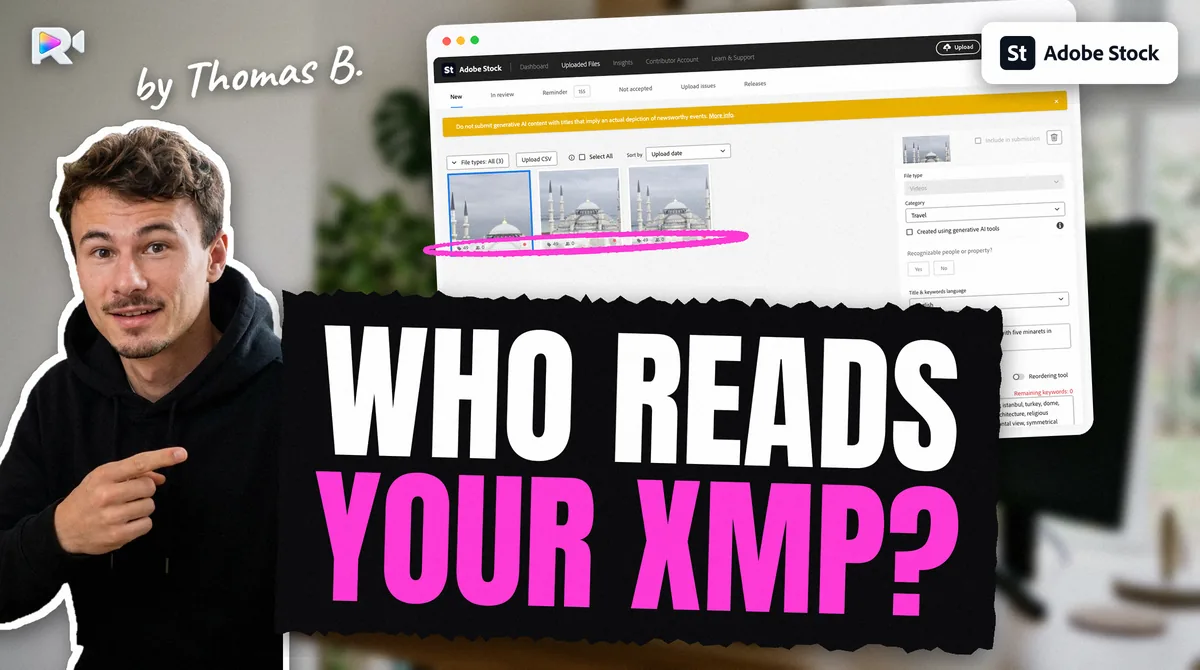
Two of the four agencies read it. Measured on live contributor accounts in September 2026, Adobe Stock and Pond5 read the title and keywords embedded in an MP4 as XMP, in the order written. Shutterstock and Getty iStock read nothing from the file. Keywords missing on Adobe likely never reached the right XMP field, or a later export stripped them.
None of the four agencies documents this for video. A 2022 thread on Adobe's community forum, "Keywords missing in video after upload", was never resolved. So we tested it: tagged files, read back in each portal.
Which agencies read embedded XMP from a video?
Adobe Stock and Pond5 do. Shutterstock and Getty do not. Each row below was read on a live contributor account, signed in, reading only.
| Agency | Reads XMP from the video? | What it took from the file | Measured |
|---|---|---|---|
| Adobe Stock | Yes measured | Title and keywords, in order. Adobe has no description field for video | 2026-09-07 |
| Pond5 | Yes measured | Title, description and 49 keywords, in order, multi-word terms kept | 2026-09-11 |
| Shutterstock | No measured | Nothing. Panel read "Description 0/2048", "0/50" keywords | 2026-09-11 |
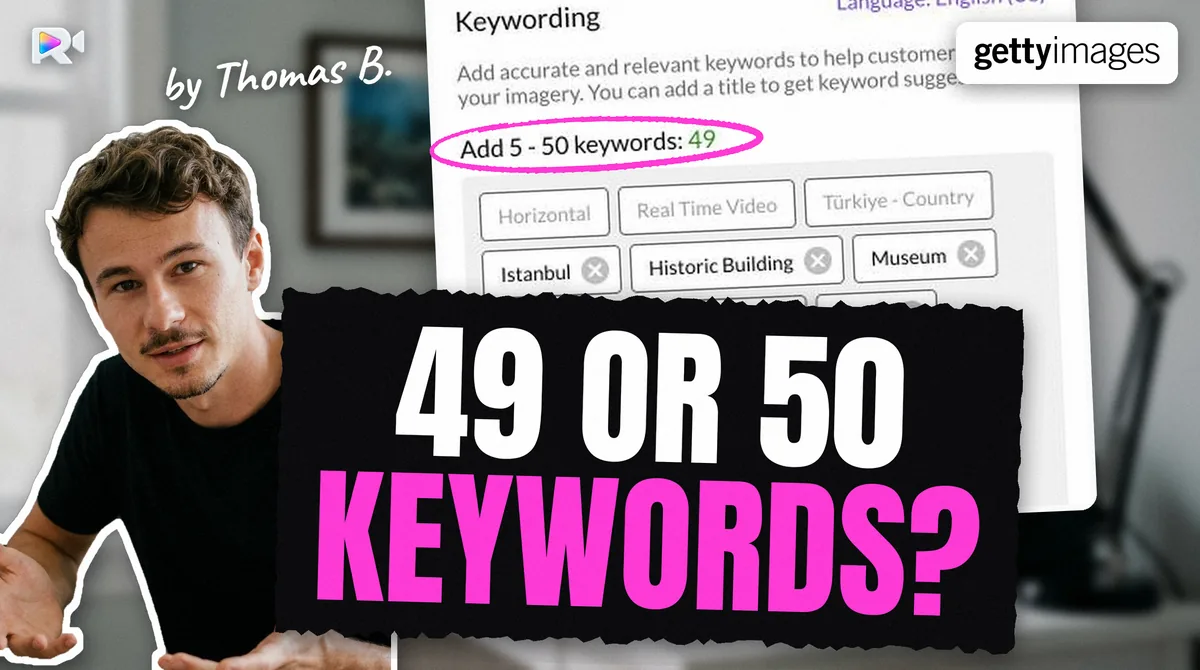
| Getty iStock (ESP) | No measured | Nothing. No title read, counter "Add 5 - 50 keywords: 0" | 2026-09-08 |
How each test was run:
- Adobe Stock. Twelve clips sat in the In review tab with the title and keywords from their files, keywords in the order written. No CSV had ever been applied to them. The Adobe XMP deep dive has the full measurement.
- Pond5. The embedded title was written in sentence case, while the file name was in Title Case. Pond5 showed the sentence-case title, so it came from the XMP, not from the file name.
- Shutterstock. The test file carried a title, a description, eight keywords (two of them invented control words), plus a title and keywords in the QuickTime Keys block. Once processing finished, the panel showed no keywords and Shutterstock's own visual suggestions instead.
- Getty iStock. An 8-second clip carried ten plausible keywords and two invented control words. The file arrived. After 210 seconds of polling, no title had been read and the counter read zero.
Why are my keywords missing after upload on Adobe Stock?
Because Adobe takes what sits in the right XMP fields when the file arrives. Here are four likely causes. What each one does to the file was measured with ExifTool; what Adobe shows for a broken file was not tested, only that a correct one arrives intact:
- The keywords went to the wrong tag. On a video, a bare
-Keywords=lands inXMP-pdf:Keywords. The field Adobe was measured reading isXMP-dc:Subject. - The keywords were joined into one string. Writing
"ocean, reef, turtle"as one value stores one keyword with commas inside it, not a list. Each keyword must be its own entry. - An export or repair ran after tagging. ffmpeg strips XMP on any remux, even
-c copy -map_metadata 0. Trimming, removing audio or changing the container after the write erases the keywords without an error. - The file went to an agency that does not read XMP (measured in the portals, not with ExifTool). On Shutterstock and Getty, an empty keyword list after upload is the expected result, not a fault.
There is a fifth case we cannot rule in or out: an editing app that writes its metadata somewhere other than XMP-dc. Adobe's video requirements page says metadata from Bridge and Premiere is preserved, but it names no field and no container. If your tool is not ExifTool, read the file back (below) before you upload.
On Adobe, an empty web upload is easy to spot. A file uploaded in the browser with no title and no keywords waits in the New tab, and the portal offers "Submit 0 files" (measured 2026-10-02, web upload only). Do not upload the same clip again. A second copy of the same clip is the kind of duplicate upload that gets stock accounts suspended.
How do I check what is really inside my file?
Read it back with ExifTool before you upload. This prints the XMP title, description and keywords and the QuickTime Keys block, with each group named, and separates list items with a bar:
exiftool -G1 -a -sep " | " -XMP-dc:Title -XMP-dc:Description -XMP-dc:Subject -Keys:all clip.mp4
If XMP-dc:Subject shows your keywords separated by |, they are a proper list, ready for Adobe and Pond5. If they come back separated by commas only, they are one long keyword. If the line is missing, nothing was written. Without -sep, ExifTool prints both cases the same way, with commas.
What is the ExifTool recipe for each agency?
Write the same three XMP fields once, then add what each agency still needs. Always name the group, repeat -XMP-dc:Subject once per keyword, and use -o so the original file stays untouched.
exiftool -o clip-tagged.mp4 \
  -XMP-dc:Title="Green sea turtle swimming over a coral reef" \
  -XMP-dc:Description="A green sea turtle glides over a shallow coral reef in clear blue water." \
  -XMP-dc:Subject="green sea turtle" \
  -XMP-dc:Subject="coral reef" \
  -XMP-dc:Subject="underwater" \
  clip.mp4
Adobe Stock. Adobe reads XMP-dc:Title and XMP-dc:Subject. It ignores the description, because video has no description field there. The title field takes 200 characters with no commas, and the keyword limit is 49, most important first: Adobe says the first 10 weigh most in search. Adobe assigns the category itself. Details and the full write rules are in the Adobe deep dive.
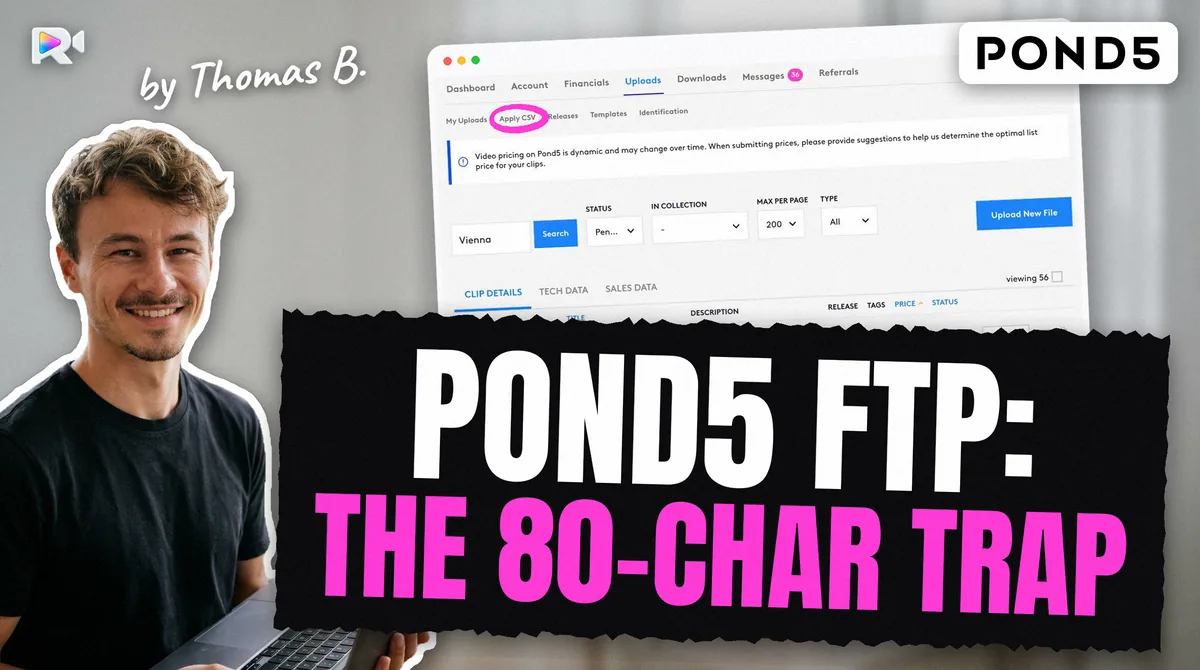
Pond5. Pond5 reads all three fields. Keep the title within 80 characters and the description within 500. The file does not carry the shoot country, the price mode or the audio flag. Those still need Pond5's CSV, and here is the trap we measured: a CSV keyword cell replaces the embedded list instead of adding to it. On our test clip, the 49 keywords from the XMP were gone after a CSV with 50 keywords was applied, and the CSV's title replaced the XMP title. Send keywords by one route, not both. Pond5's FTP server has a file name trap of its own.
Shutterstock. The XMP does no harm, but it does nothing. Use the portal or the CSV import from the Not submitted page. Its sample file has these columns: Filename,Description,Keywords,Categories,Editorial,Mature content,illustration. Keyword order is not kept: every clip we read back had its keywords in alphabetical order.
Getty iStock. Same: nothing comes from the file. Video goes in through ESP on the web, and metadata through the asset form or "Apply from CSV" with Getty's 8-column template. Getty also checks keywords against its own vocabulary, which is a separate problem covered in why Getty refuses or rewrites keywords.
Each agency also counts differently: Adobe 49 keywords, Shutterstock 7 to 50, Pond5 up to 50, Getty 5 to 50. The cross-agency limits table lists each limit with its source and date.
MOV or MP4: does the container change anything?
On the agencies, we do not know yet. The Adobe and Pond5 reads were made on MP4 files. ExifTool writes XMP into both MOV and MP4, with the same commands, and both need about twice the file's size in free space next to the file, because each write rewrites the whole file. Whether Adobe and Pond5 read the XMP from a MOV as they do from an MP4 has not been measured, so we have logged it as an open question rather than guess.
What does not change with the container:
- QuickTime
Keys:Keywordsis not a list. Repeating it overwrites, and only the last value survives. If you write it, write one comma-joined string. The XMP list is what carries the keywords. - Use ExifTool 13.17 or later. Version 13.16 and earlier can corrupt QuickTime files that contain a
wideatom with an invalid size, and MOV and MP4 are both QuickTime files.
What order should I do things in?
Repairs first, metadata last, upload right after.
- Trim, strip audio or transcode the clip.
- Write the XMP with ExifTool into a copy.
- Read it back with the command above.
- Upload to Adobe and Pond5 with the file as it is. Fill Shutterstock and Getty through their portal or CSV.
If a repair has to happen after tagging, copy the metadata back from the tagged file instead of typing it again:
exiftool -tagsFromFile clip-tagged.mp4 -XMP:all -Keys:all clip-repaired.mp4
This is the order Rushlot follows: clips are checked and repaired, you review each agency's title and keywords, and, for Adobe, the XMP is written as the very last step before the transfer. On the Adobe Stock page and the Pond5 page you can see what each leg sends. For a first account, the Adobe Stock contributor guide covers the steps before any of this.
What we have not measured
- MOV containers on any of the four agencies.
- Release fields in XMP (
plus:ModelReleaseStatus). ExifTool writes them; whether any agency reads them is unknown. - Other tagging apps. Bridge, Premiere and Final Cut Pro were not tested. Read their output back with ExifTool before trusting it.
If you want the agency-side tools to check a title or a keyword list before you write it, the stock video title checker and the stock video keyword cleaner run in the browser, free. To try the app, start from the download page.
Frequently asked questions
Adobe reads the title and keywords from the file's XMP-dc fields. If they are missing, check the file: the keywords may sit in another tag (a bare -Keywords= lands in XMP-pdf), be joined into one string, or have been erased by an ffmpeg remux after they were written.
No. Measured on 2026-09-11: an MP4 carrying an XMP title, description and keywords showed Description 0/2048 and 0/50 keywords in Shutterstock's panel once processing ended. Metadata goes through the portal or its CSV import.
No. Measured in Getty's ESP on 2026-09-08: an XMP-tagged clip arrived with no title read and the counter at 'Add 5 - 50 keywords: 0'. Use ESP's form or its 'Apply from CSV'.
Yes. Measured on 2026-09-11: Pond5 filled the title, description and all 49 keywords from the file's XMP, in order. A later CSV keyword cell replaces that list, so do not send both without meaning to.
The Adobe and Pond5 reads were made on MP4 files. ExifTool writes XMP into both containers, but whether those two agencies read it from a MOV has not been measured, so MP4 is the tested choice.
For title and keywords, the same XMP serves Adobe and Pond5. Shutterstock and Getty need their own CSV or form, and each agency has different limits, so one set rarely fits all four.
Keep reading

Sources
- Measured on a live Adobe Stock contributor account, 2026-09-07: 12 clips in review with embedded title and keywords, in order, no CSV applied
- Measured on a live Pond5 contributor account, 2026-09-11: title, description and 49 keywords read from XMP; a CSV keyword cell then replaced the list
- Measured on a live Shutterstock contributor account, 2026-09-11: Description 0/2048, 0/50 keywords after an XMP-tagged upload
- Measured in Getty ESP on a live contributor account, 2026-09-08: no title read, 'Add 5 - 50 keywords: 0' after an XMP-tagged upload
- ExifTool XMP write behaviour on QuickTime files (MOV and MP4), measured with explicit group prefixes; the Pond5 test file was written with ExifTool 13.59
- Adobe help, Video requirements (Bridge and Premiere metadata preserved), search extract read 2026-10-27
- Adobe Community, 'Keywords missing in video after upload' (2022-06-08, unresolved), read 2026-10-27