
How do I keyword a backlog of thousands of stock video clips?
How to clear a backlog of thousands of untitled stock clips: sort by title, pace by each agency's limit, review before upload, never send twice.


To clear a backlog of thousands of stock clips, sort them by how well their own title already describes them, keyword one subject at a time, review every clip once, and upload at each agency's pace. Shutterstock takes 100 video clips per 7 days (help, 2025-04-21). Adobe has a weekly limit with no published number (checked 2026-10-29).
These numbers come from Seafootage, the catalogue of Hervé Berthou, whose son Thomas builds Rushlot. One account, not a market survey.
I am Hervé. I film underwater and in French lakes, and my Adobe Stock portfolio holds 5,027 videos (read 26 October 2026). My Pond5 catalogue export lists 3,744 clips (25 September 2026). I know what "thousands of clips" means: each one needs a title, a description and keywords, in four different shapes for four agencies. This page is the order I would follow to clear a backlog without hurting the clips or the account.
Why does a backlog of clips build up?
Because the metadata takes longer than the filming. The footage is shot and graded; then each clip waits for words.
Other contributors say the same. Doug Jensen, a stock footage contributor, told Brutally Honest Microstock in June 2023 that he had about 6,500 4K clips "just awaiting metadata". In February 2025, a contributor on Adobe's forum asked whether a script could safely update about 15,000 more files. On Pond5's forum, in November 2021, another described 13,000 files.
My own number: before Rushlot, 60 videos on four agencies took me about 40 hours, and I was already using ChatGPT to draft the metadata. That is about 40 minutes a clip. At that pace, 1,000 clips would be about 670 hours of typing and checking. (Rushlot is built by my son Thomas. With it, the same 60 videos take me about 1 hour.)
What should you keyword first?
The clips whose own title already says what, where and doing what. A precise title is the best source for every other field. "Northern pike hiding in watermilfoil, Lake Salagou" gives the subject, the habitat, the place and the action. "Clip_0412" gives nothing.
- Sort by title quality. Put clips with a precise title in the first batch. Give the vague ones a title before anything else; it is the slowest step and the one that decides the rest.
- Group by subject. Twenty clips of the same species share most of their keywords and the same Latin name. Check that name once (see stock footage keywords scientific names), then reuse it.
- Check what is in season. Shutterstock publishes a monthly Shot List, and Pond5 publishes creative briefs. A backlog is a good place to look for what they ask for now.
- Leave the doubtful clips for last. A clip with a recognisable person, a landmark or a logo needs a release decision or an editorial caption. That is a separate question, and it should not slow down the clean ones.
How fast can the agencies take a backlog?
More slowly than you can keyword it. The limits are per agency, and only Shutterstock publishes a number for video.
| Agency | Submission limit | Unsubmitted files | How the metadata goes in | Source |
|---|---|---|---|---|
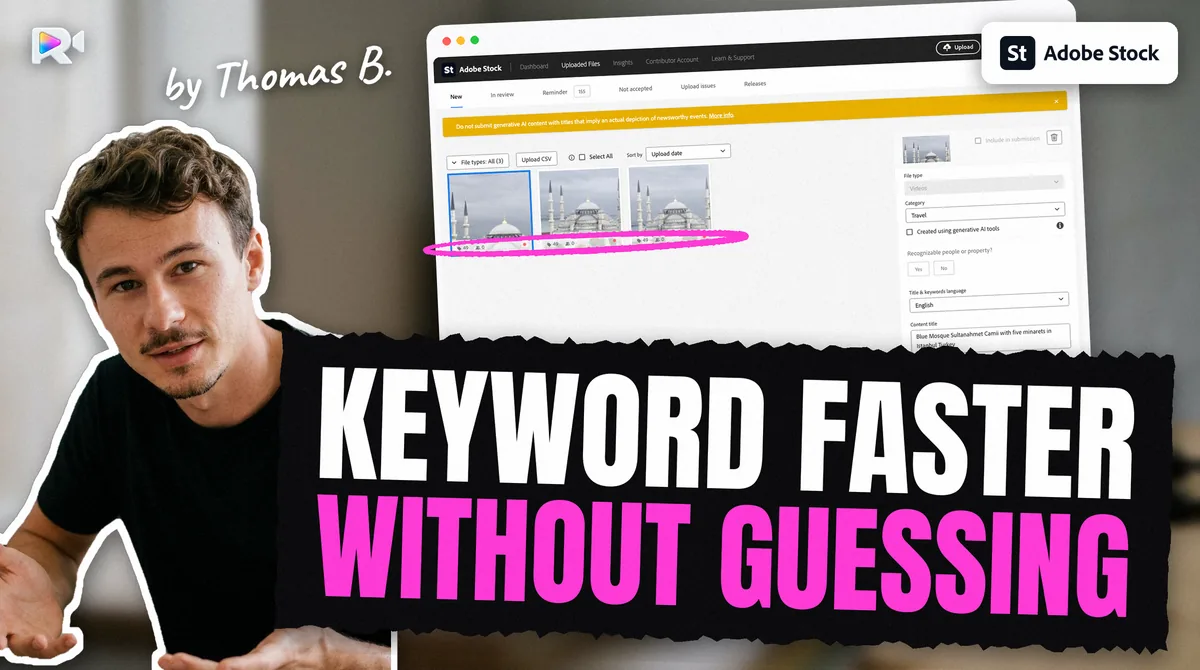
| Adobe Stock | A weekly limit and a pending-review limit; no number published | Not stated | Read from the file (embedded XMP) measured | Adobe staff post, 2025-05-20; read 2026-10-29 |
| Shutterstock | Up to 100 video clips in any 7 days | Deleted after 21 days | CSV or typed; the file's XMP is not read measured | Help, 2025-04-21 and 2025-11-13 |
| Pond5 | None published, as far as we found | Not stated | Read from the file (embedded XMP) measured | Search, 2026-10-27 |
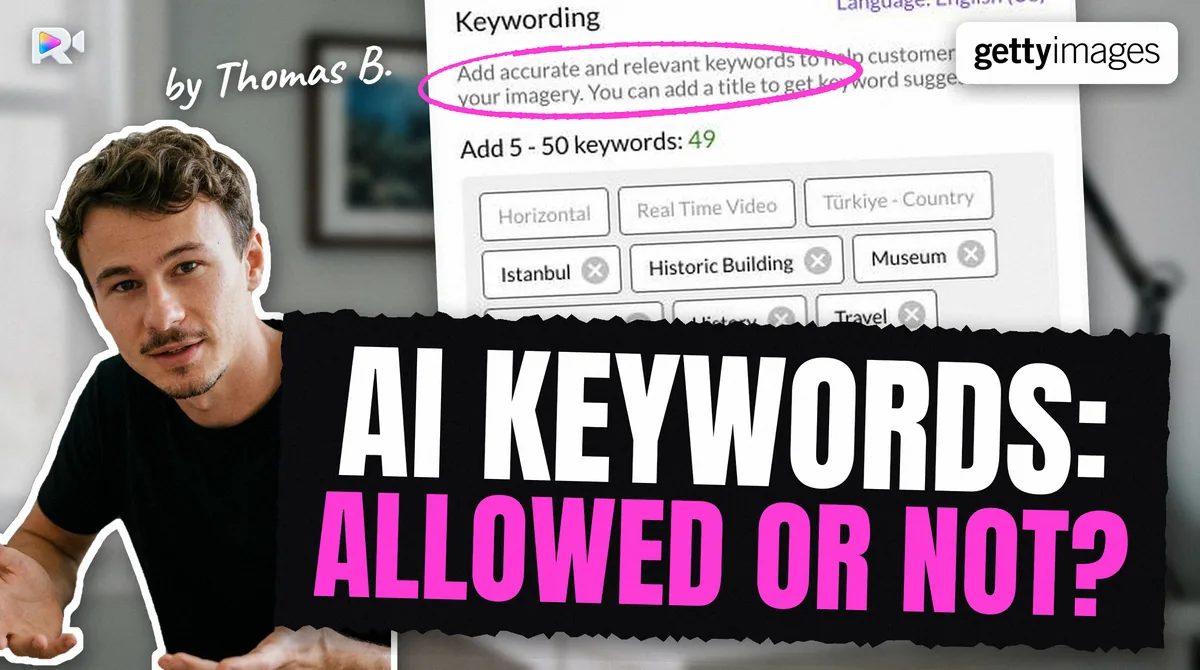
| Getty / iStock (ESP) | Public pages read on 2026-09-07 gave 100 files per batch; ESP showed no cap on a 64-clip batch measured | Not stated | ESP form or 8-column CSV | Measured 2026-09-27 |
Simple arithmetic follows. On Shutterstock, 1,000 clips need at least 10 weeks of submissions, and 5,000 clips at least 50 weeks. On Adobe nobody can tell you in advance: the portal stops you when you hit a weekly limit it does not show.
So a backlog is cleared in steady weekly lots, not in one big night. Upload only what you can review and submit in the same week. On Shutterstock, a file you upload and do not submit within 21 days is deleted, and the upload time is lost.
Why must you review every clip before upload?
Because a mistake is cheap before upload and expensive after. Three reasons.
- Fixing later is slow. Adobe's help gives contributors no bulk-edit route for accepted files, and its contributor API is not public. On Adobe's forum, two volunteer experts disagree: one wrote in February 2025 that scripted bulk updates would break Adobe's usage policies; another described in May 2026 a bulk tool he built himself. Adobe's help says nothing either way. I would not bet an account on it.
- Wrong words count against you. Shutterstock's help (updated 18 July 2025) says irrelevant keywords are "considered spamming". A wrong species name is a false statement about the clip.
- A second upload is the real danger. Sending a clip again "to check that it arrived" creates a duplicate, and duplicates are what get stock accounts in trouble. See stock footage duplicate upload.
A volunteer expert on Adobe's forum put the rule simply in February 2025: do not submit more than you can check. That is the right speed for a backlog.
Where does the time go on a backlog?
In writing the same clip four times, in four shapes. Adobe wants a short title and keywords written into the file. Shutterstock wants a description sentence, keywords and two categories by CSV. Pond5 wants a title, a description and keywords. Getty wants its own vocabulary in its own form. Each set has its own limits. ChatGPT helped me draft; it did not remove the copying, the checking and the four portals.
How do you plan the weeks?
Work backwards from the slowest limit, then fill the week.
- Pick a weekly lot size you can review. Mine is set by my evenings, not by the agencies.
- Keep the lot the same on every agency. One title, four sets, sent together. It makes tracking simple: one line per clip, one column per agency.
- Upload, then submit the same week. Uploading is not submitting. You press Submit on each agency yourself, and nothing should wait three weeks in Shutterstock's Not submitted tab.
- Never resend a clip that "did not show up". Look for it first. A clip uploaded but not showing can simply take time to appear, and a resend is the duplicate you were trying to avoid.
- Watch what comes back. A refusal on the first lot tells you something about the next ninety.
The free stock video title checker tests one title against Adobe, Shutterstock and Pond5 at once, and the stock video keyword cleaner removes repeats from a list before you paste it.
How much does it cost to clear a backlog with Rushlot?
19 € a month or 159 € a year for 150 clips a month, or one-off packs from 25 € for 150 clips to 199 € for 2,000 (listed on the pricing page, 8 November 2026). Rushlot charges per clip, not per agency. The first 20 clips are free, with no card. A backlog of thousands is still months of work at Shutterstock's pace, whatever the tool.
What is still unknown?
- Adobe's weekly and pending numbers. Adobe has not published them, and forum figures vary from account to account.
- Whether any agency treats a sudden large lot differently from steady weekly lots. No agency says so.
- How long Adobe and Pond5 keep a file you uploaded but never submitted. Neither page we read says.
How the four uploads work from one Mac is in upload stock video to multiple agencies. Each agency has its page: Adobe Stock, Shutterstock, Pond5 and Getty Images.
Frequently asked questions
Sort the clips by how well their own title already describes them, keyword in batches of one subject, review each clip once, then upload at the pace each agency allows. Shutterstock takes 100 video clips per 7 days. Adobe has a weekly limit it does not publish.
Up to 100 video clips in any 7-day period, says Shutterstock's help (dated 2025-04-21). That is a limit on submissions. Files you upload and never submit are deleted after 21 days (help, 2025-11-13).
Adobe has not published a number. An Adobe employee announced a weekly submission limit and a limit on content pending moderation on 2025-05-20, without figures, and none had been published when we checked on 2026-10-29.
No agency publishes a figure. Forum contributors give 1 to 15 minutes per photo for one agency. For video on four agencies, I took about 40 hours for 60 clips, even with ChatGPT drafting, so about 40 minutes a clip. That is one person's rate.
Yes, if you check every word before it goes out. The agencies judge the result, not the tool. Shutterstock calls irrelevant keywords spam, and a wrong species name is a false claim about the clip.
Adobe's help gives no bulk-edit route for contributors, and its contributor API is not public. Two volunteer experts on Adobe's forum disagree on whether scripted bulk updates are allowed. Get the metadata right before upload instead.
No. On Shutterstock a file you cannot submit within 21 days is deleted, and on Adobe the weekly and pending limits pause you without warning. Upload what you can review and submit in the same week.
Keep reading



Sources
- Shutterstock, Is there an upload or submission limit for images and video? (dated 2025-04-21), read 2026-10-29
- Shutterstock, How do I submit video for review? (updated 2025-11-13), read 2026-10-27
- Adobe Community, New submission limits for Adobe Stock contributors (Adobe employee, 2025-05-20), read 2026-10-29
- Adobe Community, Using Adobe Stock API or CSV for bulk content updates, account safety inquiry (2025-02-21), read 2026-10-28
- Brutally Honest Microstock, Interview with Doug Jensen (2023-06-28), read 2026-10-28
- Shutterstock, How are keyword and title spamming defined? (updated 2025-07-18), read 2026-10-01
- Measured on the live Seafootage accounts: Adobe Stock portfolio of 5,027 videos (2026-10-26); Pond5 catalogue export of 3,744 clips (2026-09-25)
- Measured on a live Getty ESP account: one batch of 64 clips, no cap shown (2026-09-27)
- Hervé Berthou, 60 videos on four marketplaces, about 40 hours before Rushlot and about 1 hour with it, stated 2026-10-28