
How do I upload the same stock footage to Adobe Stock, Shutterstock, Pond5 and iStock from a Mac or a Windows PC?
One export, four routes: SFTP for Adobe Stock, FTPS for Shutterstock, FTP for Pond5, ESP for iStock. Timed on live accounts, with Mac traps and metadata.


To upload the same stock footage to several sites, make one export that passes all four agencies, then send it four ways: SFTP for Adobe Stock, FTPS for Shutterstock, FTP for Pond5, and the ESP web page for iStock and Getty. Only Adobe Stock and Pond5 read the metadata inside the file. Measured in September 2026.
I build Rushlot, a Mac and Windows app that does this for my father's underwater footage, so the timings below come from our own live accounts. I also explain how to do every step by hand, because none of it needs our app. A value marked measured was read on a live contributor account.
Which route does each agency take?
A different one each, with a different login, and a different place where the clip waits afterwards.
| Agency | Route | Login | Timed on our accounts |
|---|---|---|---|
| Adobe Stock | SFTP, sftp.contributor.adobestock.com:22, for "qualified" accounts; otherwise the browser | Numeric contributor ID, password generated in the portal | Sign-in in 2.1 s (2026-09-03) measured |
| Shutterstock | Explicit FTPS, ftps.shutterstock.com:21; or the browser, 100 files at a time | Account email or user name, account password | 17 clips, 7.81 GB in 6.5 min (2026-09-16) measured |
| Pond5 | FTP, ftp.pond5.com; explicit FTPS works too measured; or the browser | FTP user name, separate FTP password | One 224 MB clip in 35.4 s at 6.3 MB/s (2026-09-11) measured |
| iStock / Getty | The ESP web page only: drag and drop, "Upload from device", Dropbox. No FTP or SFTP measured | Browser session | One clip sent in 11.5 s; files appear in the batch within about 30 s (2026-09-08) measured |
Your times will depend on your own internet line. On ours, a Shutterstock lot of 15 clips (4.62 GB) took 5 minutes, and a Pond5 lot of 15 took 9.8 minutes for the whole send, processing and CSV included (2026-09-16) measured. We have not timed a whole lot on Adobe or ESP.
What happens after the transfer also differs. A Shutterstock clip was created in the portal about 2 seconds after its transfer measured. A Pond5 clip was listed 23 seconds after and processed in under four minutes measured. An Adobe SFTP delivery went into review on its own measured. An ESP clip waits in its batch.
Can one export pass all four agencies?
Yes, if you export to the strictest rule of each: Adobe is strictest on resolution, frame rate, audio and 4K file size, Pond5 on HD file size and names, Getty on length. For Getty it is a best guess: it publishes no codec, frame-rate or resolution list, and the one export we measured, a 1080p H.264 MP4, passed ESP.
- Container and codec: MP4 with H.264. It is on Adobe's, Shutterstock's and Pond5's lists, and ESP took an H.264 MP4 measured.
- Audio: none. Adobe's newest page refuses video with audio; the others allow you to leave it out.
- Length: 5 to 60 seconds; Getty suggests 30 seconds at most, with longer clips allowed when the content justifies it.
- Size: under 3 GB for HD and vertical clips, Pond5's cap for those; under 3.9 GB for 4K, Adobe's limit. Pond5 allows 5 GB for 4K, Shutterstock 10 GB, Getty 6 GB.
- Resolution: one on Adobe's list, such as 1920 × 1080 or 3840 × 2160. Exporting UHD as 4K DCI adds side bars, which Adobe refuses.
- Frame rate: 23.98, 24, 25, 29.97, 30, 50, 59.94 or 60. Not 48: Shutterstock and Pond5 take it, Adobe does not.
- File name: 76 characters or fewer, in letters, digits and underscores. Pond5 stores names cut at 80 characters, so a longer name breaks its CSV measured (2026-09-19); underscores keep Shutterstock's strict rule.
Our Adobe Stock video specs article has the strictest list in full, and the stock video spec checker checks one clip against each agency in your browser. The Pond5 file name sanitizer shortens a name safely.
Where do the title and keywords go on each agency?
Into the file for two agencies, into a CSV for the others.
| Agency | Reads embedded XMP? | What you do |
|---|---|---|
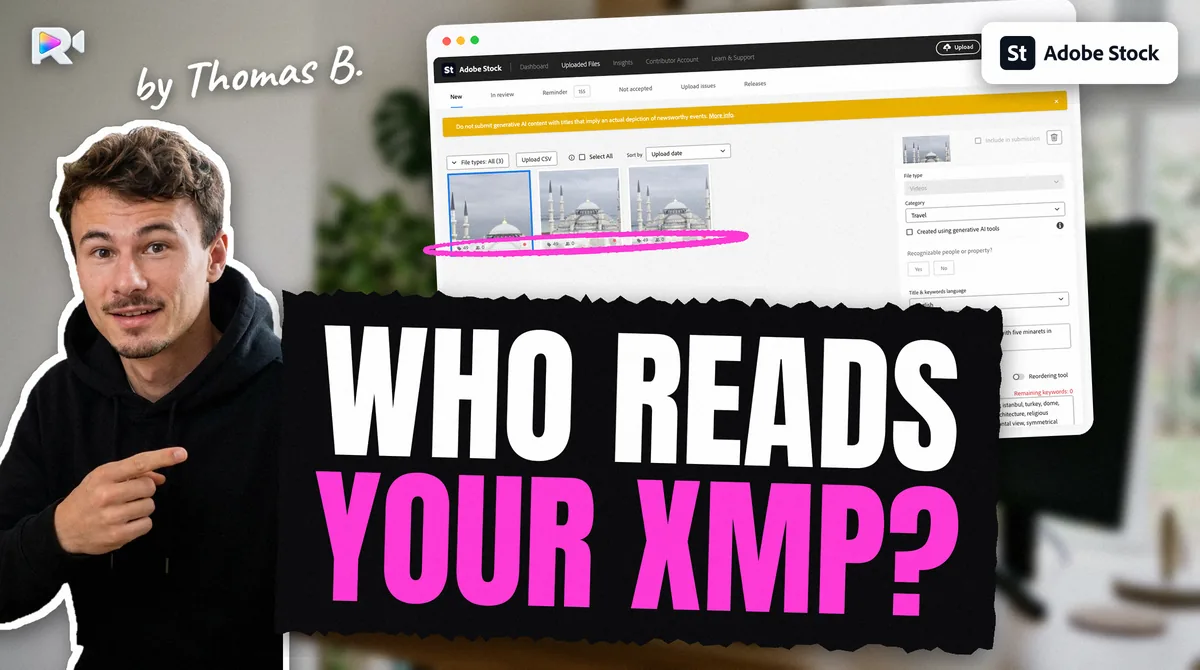
| Adobe Stock | Yes: title and keywords, in your order measured (2026-09-07) | Write the XMP last, after any export; no CSV needed |
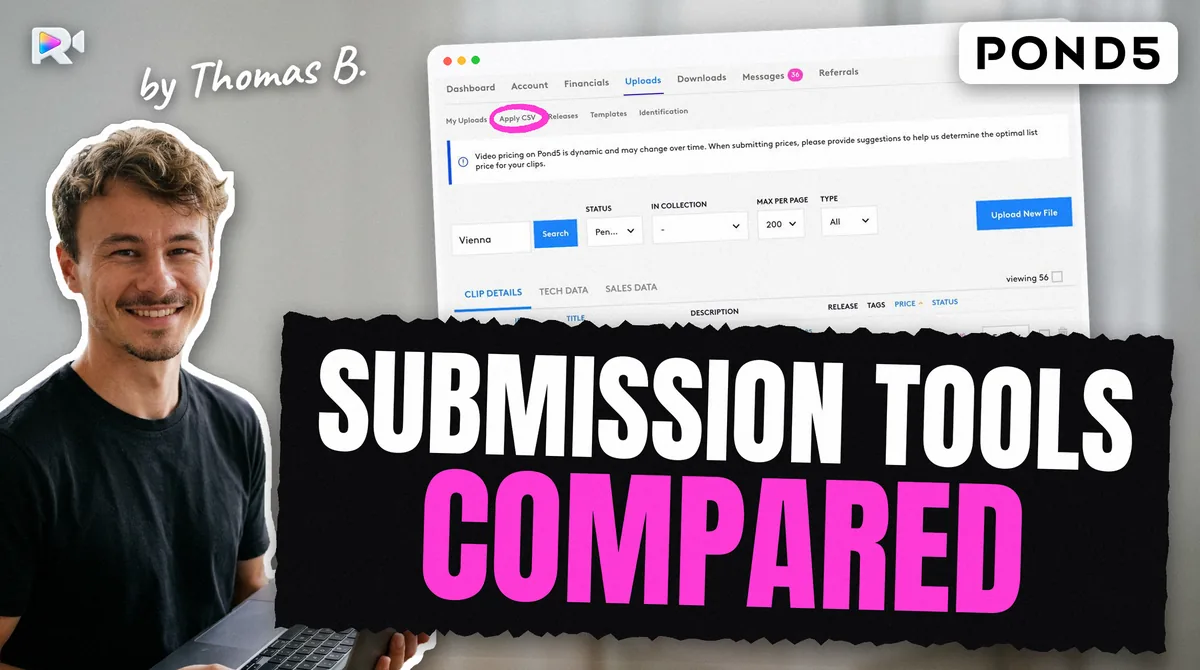
| Pond5 | Yes: title, description and keywords measured (2026-09-11) | Its Apply CSV also sets country, price and the audio flag |
| Shutterstock | No measured (2026-09-11) | A CSV on the Submit page, or typing |
| iStock / Getty | No measured (2026-09-08) | The 8-column ESP CSV, or typing |
Write the XMP after the last export or conversion: ffmpeg drops it on any remux. And each agency wants a different set of words: Adobe asks for a short title, Shutterstock wants at least 7 keywords and a description of at least 5 words, Getty keeps only words in its own vocabulary. Our article on which agencies read xmp shows the test.
What is different on a Mac?
Two things: where your files live, and which apps you use.
iCloud Drive. With "Optimise Mac Storage" on, a clip in iCloud can be a placeholder: it shows its real size but has no data on disk. Reading it either downloads it first or fails with Resource deadlock avoided measured (on our own Mac). An FTP app that sends a placeholder sends nothing useful. In Finder, select the clips, right-click and choose Download Now before any upload.
The apps. Shutterstock's help gives settings for FileZilla and Cyberduck, both available on a Mac, and Adobe's help names FileZilla. One app can hold three saved sites: SFTP for Adobe, explicit FTPS for Shutterstock, FTP or FTPS for Pond5. iStock needs a browser tab, signed in. Keep the four passwords apart: Adobe's SFTP password and Pond5's FTP password are not your website passwords.
Where does the time go?
Not in the transfers. It goes in the four sets of metadata, the four CSV formats, and the checks before each send.
The transfers above take minutes. The rest is retyping. For each clip, each agency wants its own title length, keyword count and fields, and two of them ignore what is in the file. Then each upload needs a check that it arrived, because the obvious fix for a clip that seems missing, sending it again, is how duplicates happen. A clip that is uploaded but not showing is often in another tab or still processing.
My father, Hervé Berthou, films the underwater footage Rushlot was built for and sells it on all four agencies as Seafootage. He put 60 videos on the four marketplaces in about 1 hour with Rushlot, against about 40 hours before. He already used ChatGPT for the metadata then. That is one contributor's estimate, and he is my father: read it as that, not as a promise.
Who presses Submit?
You do, on each agency, with one exception you should know before you upload.
On Shutterstock, a clip waits in Not submitted until you submit it, for 21 days. On Pond5 it waits in "Needs Edits"; on iStock, in its ESP batch. On Adobe Stock, files sent by SFTP with an embedded title and keywords left the New tab and went into In review on their own, with nothing clicked measured (2026-09-07). So on that route, the upload is the submission. Review each clip before it goes, not after.
Is there an API that uploads to all four?
No public one. Adobe states that it has no contributor API. Shutterstock's API reference lists only a few read-only contributor endpoints, none that uploads or submits (read in September 2026). We found none for Pond5 or for iStock and Getty. Every tool that uploads to all four, ours included, uses the same doors you do: the file servers and the agencies' own web pages.
Some tools go further and submit for you. Our comparison of stock video submission tools says which ones, and what each does with your files and passwords. For one tool at a time, see Rushlot vs StockSubmitter, Rushlot vs MetaMule or all the comparisons. If you would rather script it yourself, some steps are safe to automate and some are not.
A checklist for one lot, four agencies
- Export H.264 MP4, no audio, 5 to 60 s, under 3 GB for HD or 3.9 GB for 4K, on Adobe's resolution list, not 48 fps.
- Name each file in 76 characters or fewer, letters, digits and underscores.
- Download every clip from iCloud before you start.
- Write the title and keywords into the file last, for Adobe and Pond5.
- Adobe: SFTP if your account has it, else the browser. Review first: SFTP goes into review on its own.
- Shutterstock: explicit FTPS on port 21, then your CSV on the Submit page. If it does not connect, look up the message in our stock footage upload error guide.
- Pond5: FTP or FTPS, wait for processing, then Apply CSV.
- iStock / Getty: upload in ESP, then its 8-column CSV.
- Check each agency before any second send. Mind the caps: Shutterstock takes 100 video clips per 7 days, and Adobe has a weekly limit with no published number.
- Check the thumbnail frame: Adobe's help, as quoted on its forum, says it takes the frame at 5 seconds.
- Press Submit yourself, on each one.
For each agency's full path, see the Adobe Stock, Shutterstock, Pond5 and Getty Images guides, or our pages for Adobe Stock, Shutterstock, Pond5 and Getty Images. The download page says how to get Rushlot for Mac and Windows.
Frequently asked questions
Yes, unless you signed an exclusive agreement with one of them. Pond5's FAQ, for example, says its default is non-exclusive, so the same clip may also be sold on Adobe and Getty. What you must never do is upload the same clip twice to one agency.
No. Each agency runs its own server with its own login, and iStock and Getty take video through their ESP web page only, with no FTP. A tool can drive all four, but the four transfers stay separate.
Adobe Stock and Pond5. On live accounts, Adobe read the embedded title and keywords in order (2026-09-07) and Pond5 read title, description and keywords (2026-09-11). Shutterstock and Getty ESP read none of them, so they need a CSV or typing.
An H.264 MP4 with no audio track, 5 to 60 seconds long, under 3 GB for HD and vertical or 3.9 GB for 4K, at a resolution on Adobe's list such as 1920 × 1080 or 3840 × 2160, at a listed frame rate other than 48 fps. Getty publishes no codec or resolution rules; an H.264 MP4 passed ESP.
Shutterstock's help names FileZilla and Cyberduck, which both run on a Mac, and Adobe's help names FileZilla. Use SFTP for Adobe, explicit FTP over TLS for Shutterstock, and FTP for Pond5, where explicit TLS also works. iStock needs a browser.
With Optimise Mac Storage on, a clip can be a placeholder: it shows its full size but has no data on your disk. Reading it either downloads it first or fails with "Resource deadlock avoided" (measured on our Mac). Choose Download Now in Finder before you upload.
No. Rushlot uploads and writes the metadata; you press Submit on each agency. On Adobe, a file sent by SFTP with its title and keywords goes into review on its own, which is why Rushlot makes you review each clip before it uploads anything.
Keep reading
Sources
- Shutterstock, How do I upload content via FTPS? (dated 2025-04-21; read 2026-10-29)
- Shutterstock, Technical requirements for video (updated 2025-12-17; read 2026-10-28)
- Pond5, Using the FTP uploader (updated 2024-11-05; read 2026-10-27)
- Pond5, How to prepare your footage (undated; read 2026-10-27)
- Shutterstock, Is there an upload or submission limit for images and video? (dated 2025-04-21; read 2026-10-29)
- Adobe, Uploading content (search extract, page updated June 2026; read 2026-10-27)
- Measured on a live Adobe Stock account: SFTP sign-in 2026-09-03; embedded XMP read and deliveries in review 2026-09-07
- Measured on a live Shutterstock account: FTPS, ingestion and XMP not read 2026-09-11; two lots by FTPS 2026-09-16
- Measured on a live Pond5 account: FTPS transfer and XMP read 2026-09-11; two lots by FTPS 2026-09-16; file names 2026-09-19
- Measured on a live Getty ESP account: web-only upload, CSV template and one clip sent 2026-09-08
- Hervé Berthou (Seafootage), the author's father: 60 videos on four marketplaces, about 40 hours before and about 1 hour with Rushlot (his own account, 2026-10-28)